 Journey 1 · returning customersA · Live now
Log in
One button. Their Google account is the login, so there is no password to forget.
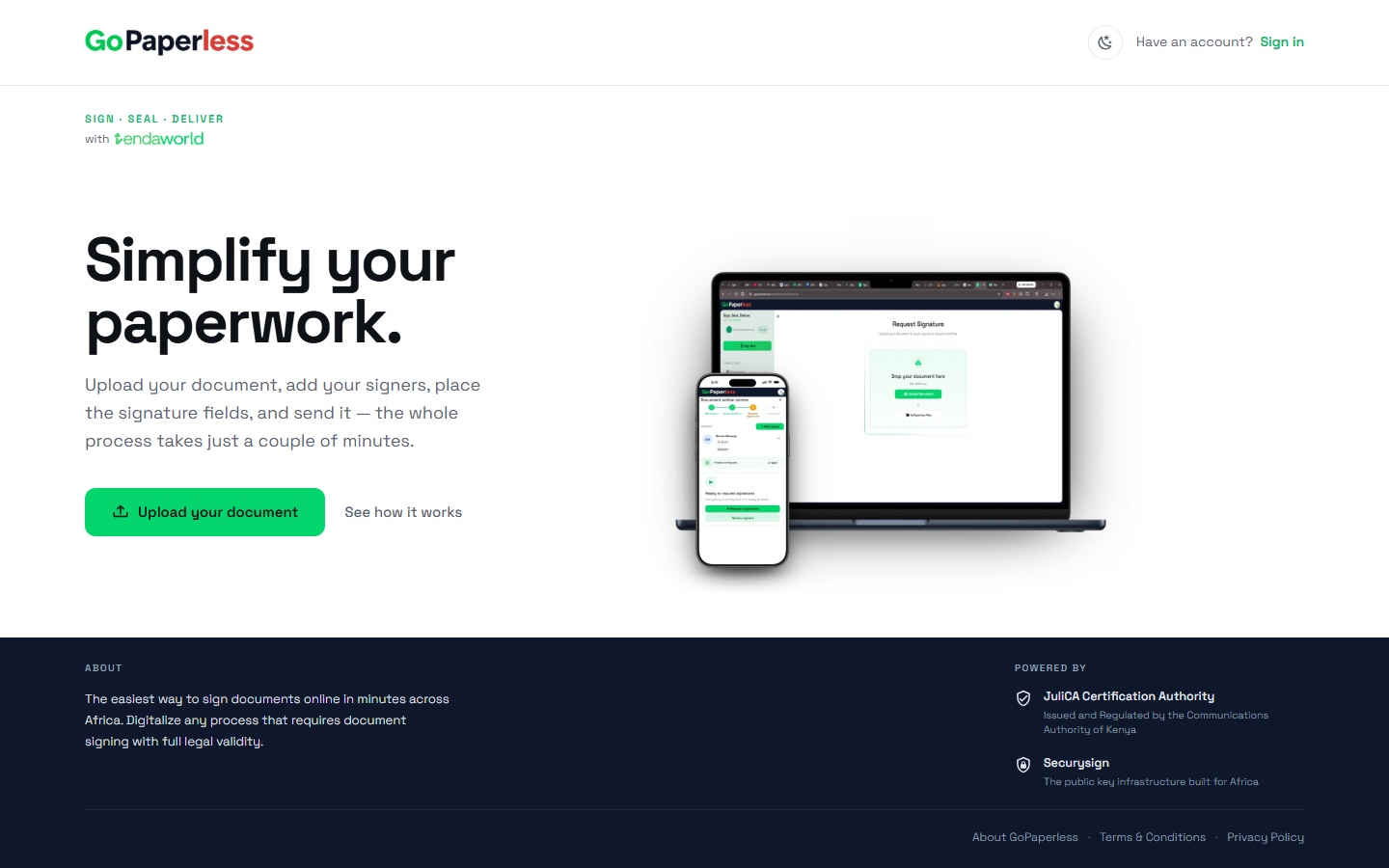 01Open gopaperless.keTap Sign in at the top right.
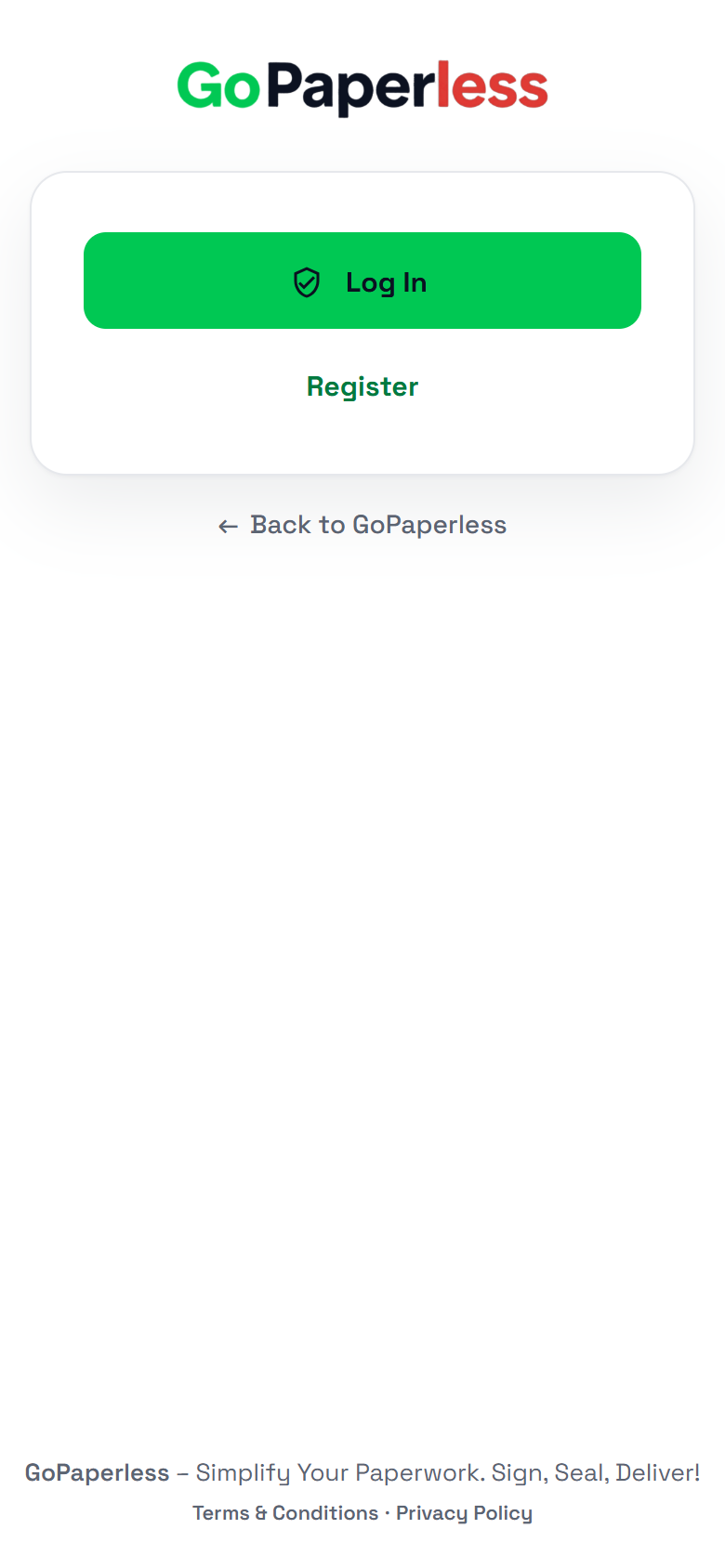 02Log inLog in goes through SecurySign to Google.
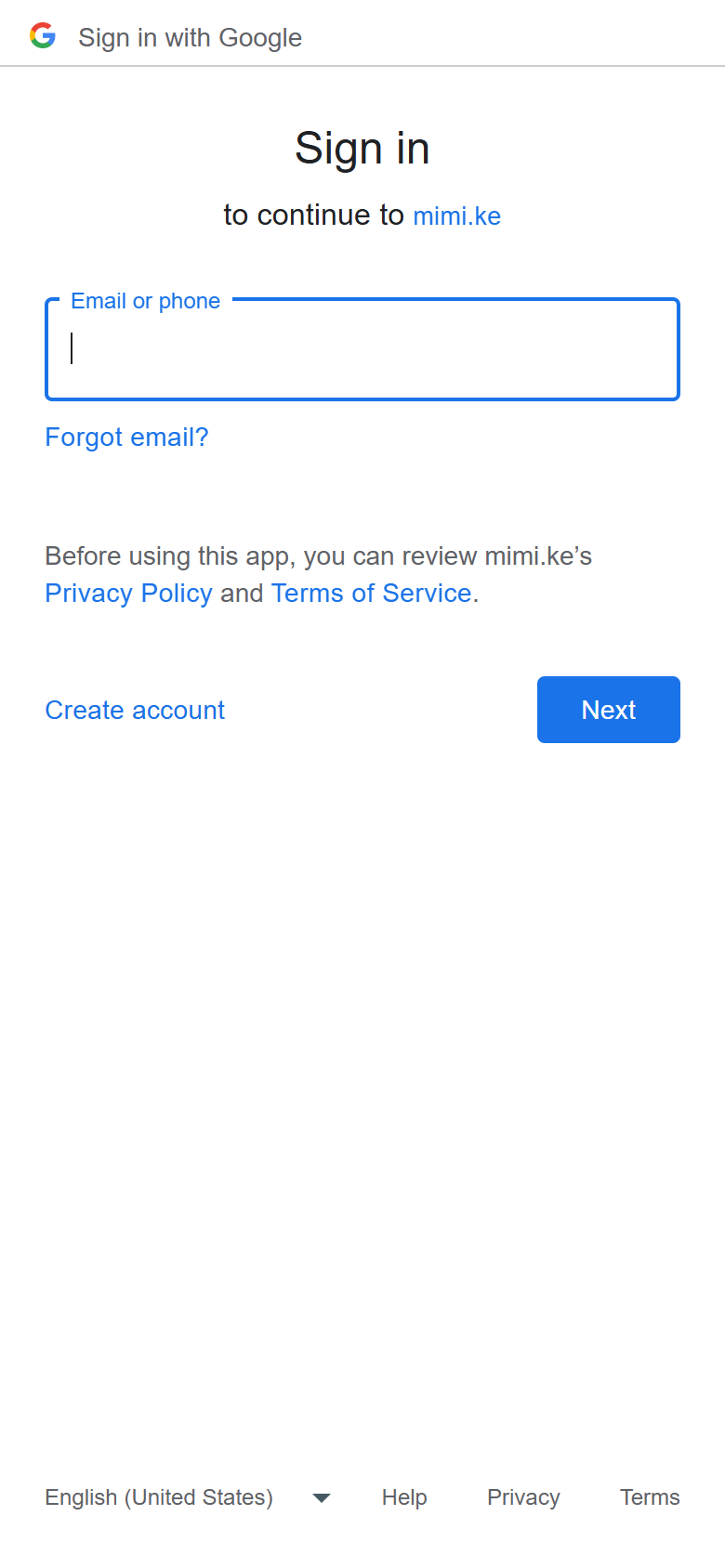 03Pick the Google accountThe one they registered with.
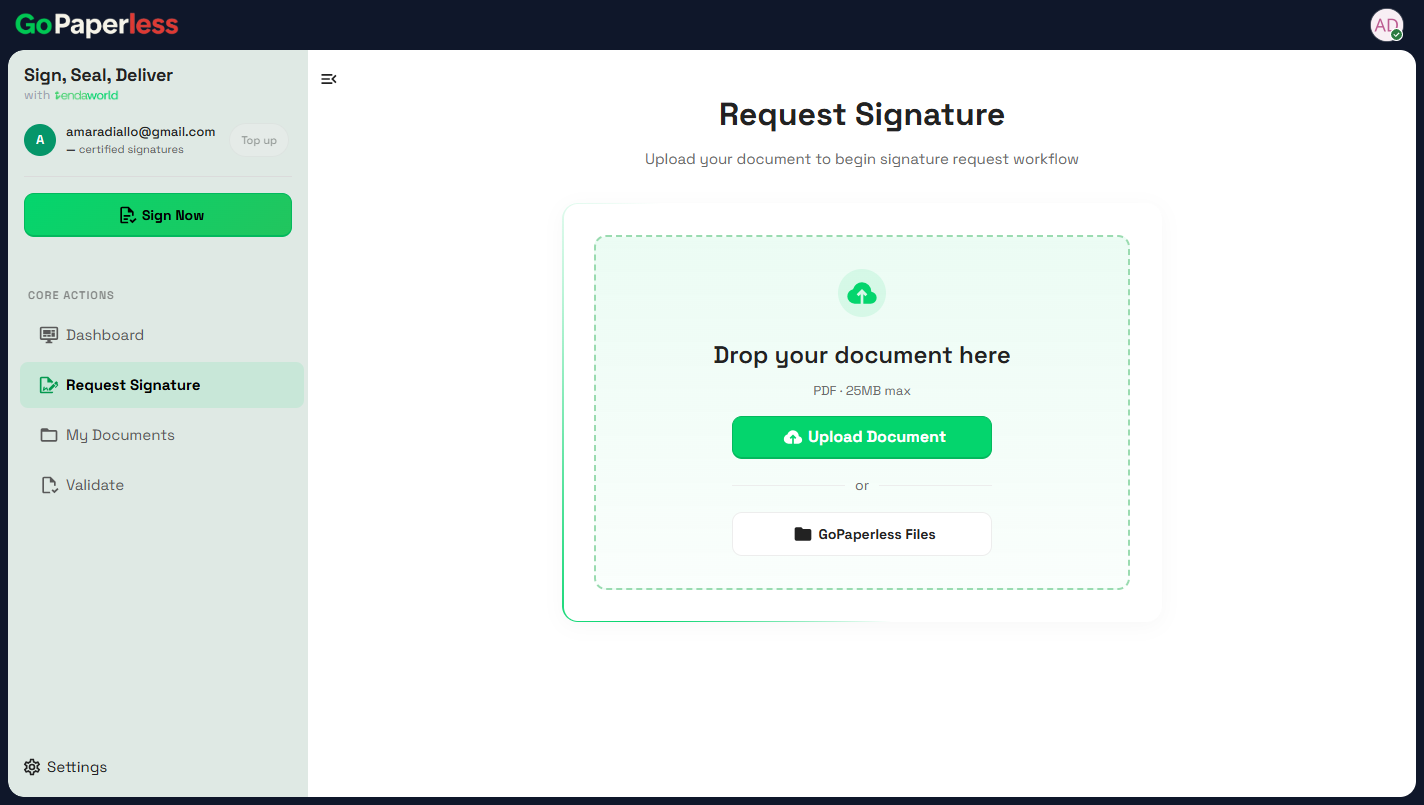 04They're inRequest Signature opens, ready for a PDF.
Source: staging.tendaworld.com/product-guide#gp-login · pulled by scripts/pull-guide.py