 Journey 4 · the signerA · Live now
Sign a document
The customer, tenant or employee. The email link, a Google login, then two taps.
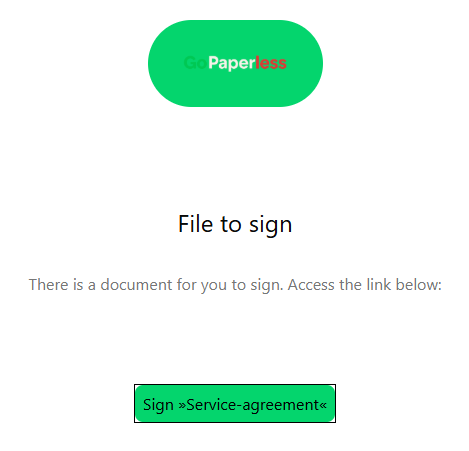 01The emailThere is a document for you to sign. One button.
 02Log inWith Google, like every GoPaperless login.
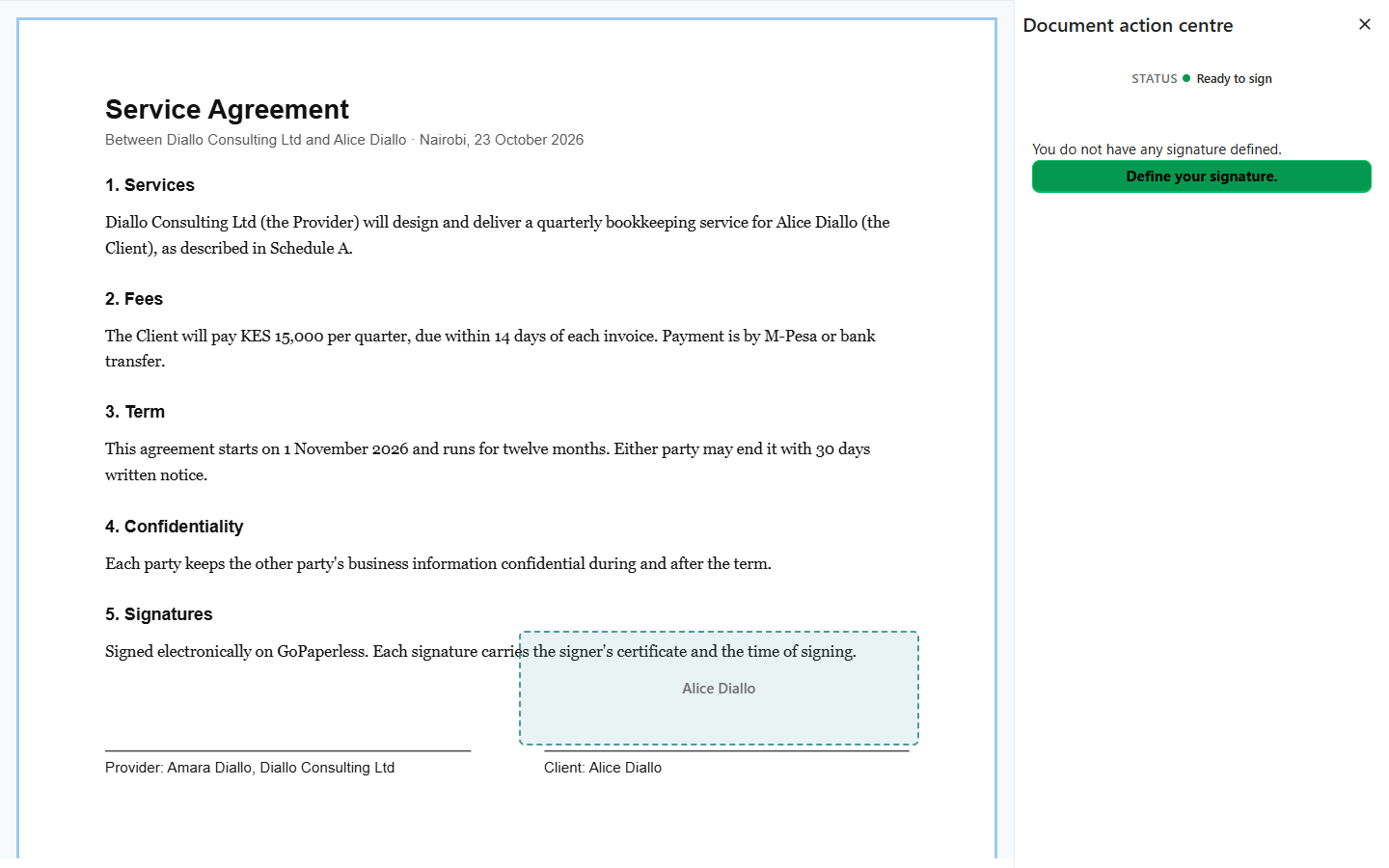 03The document opensTheir signature box is marked on the page.
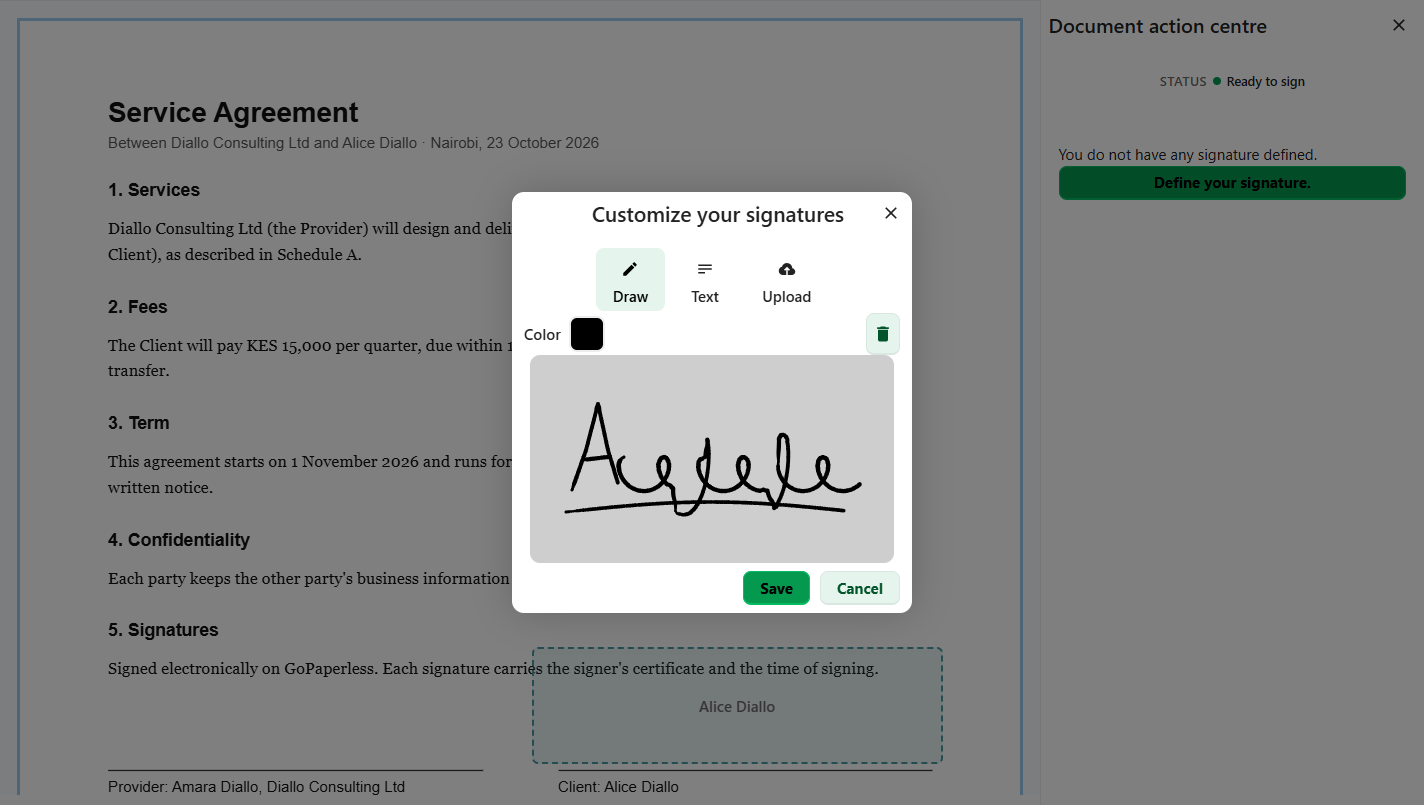 04Draw a signatureFirst time only. Draw, type or upload.
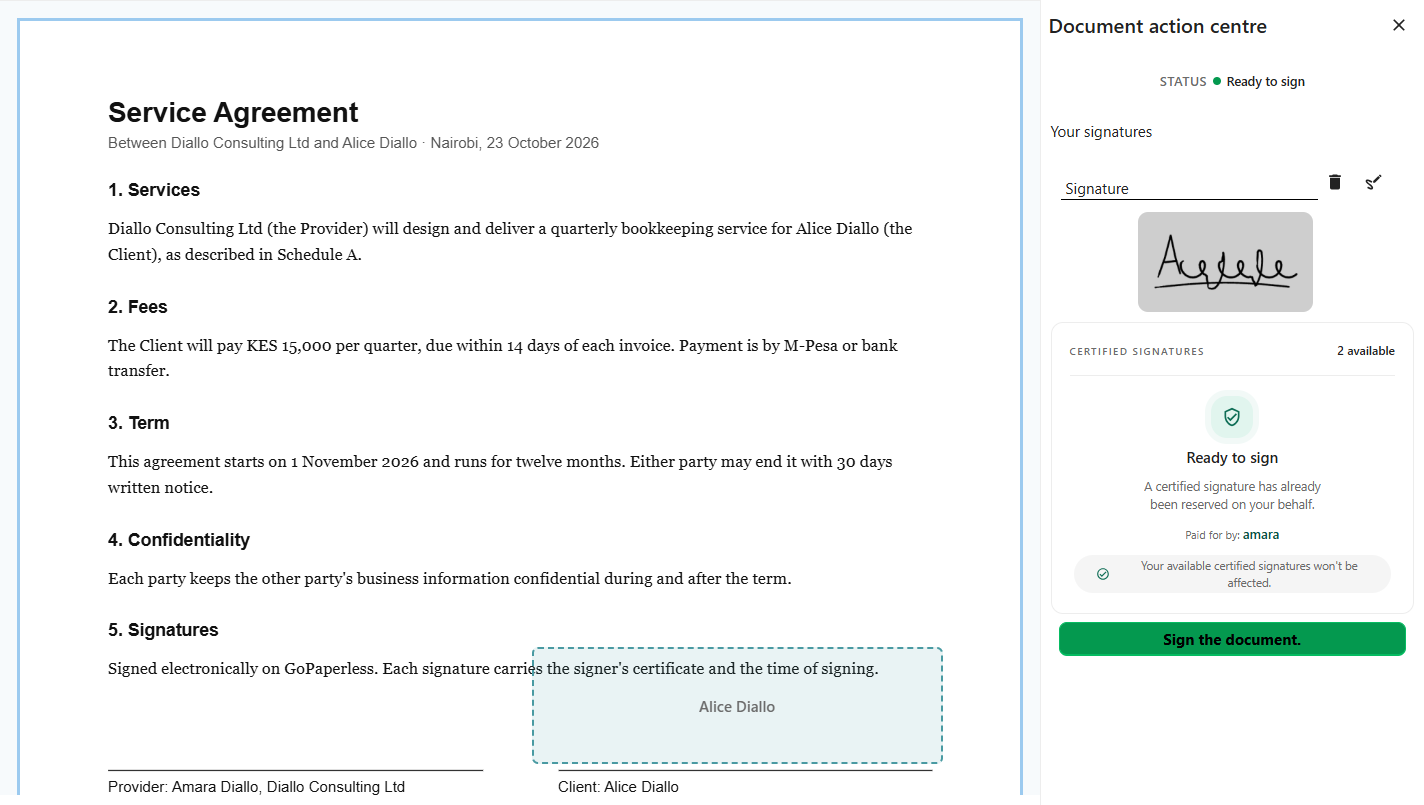 05Sign the documentThe sender already paid, so nothing to pay here.
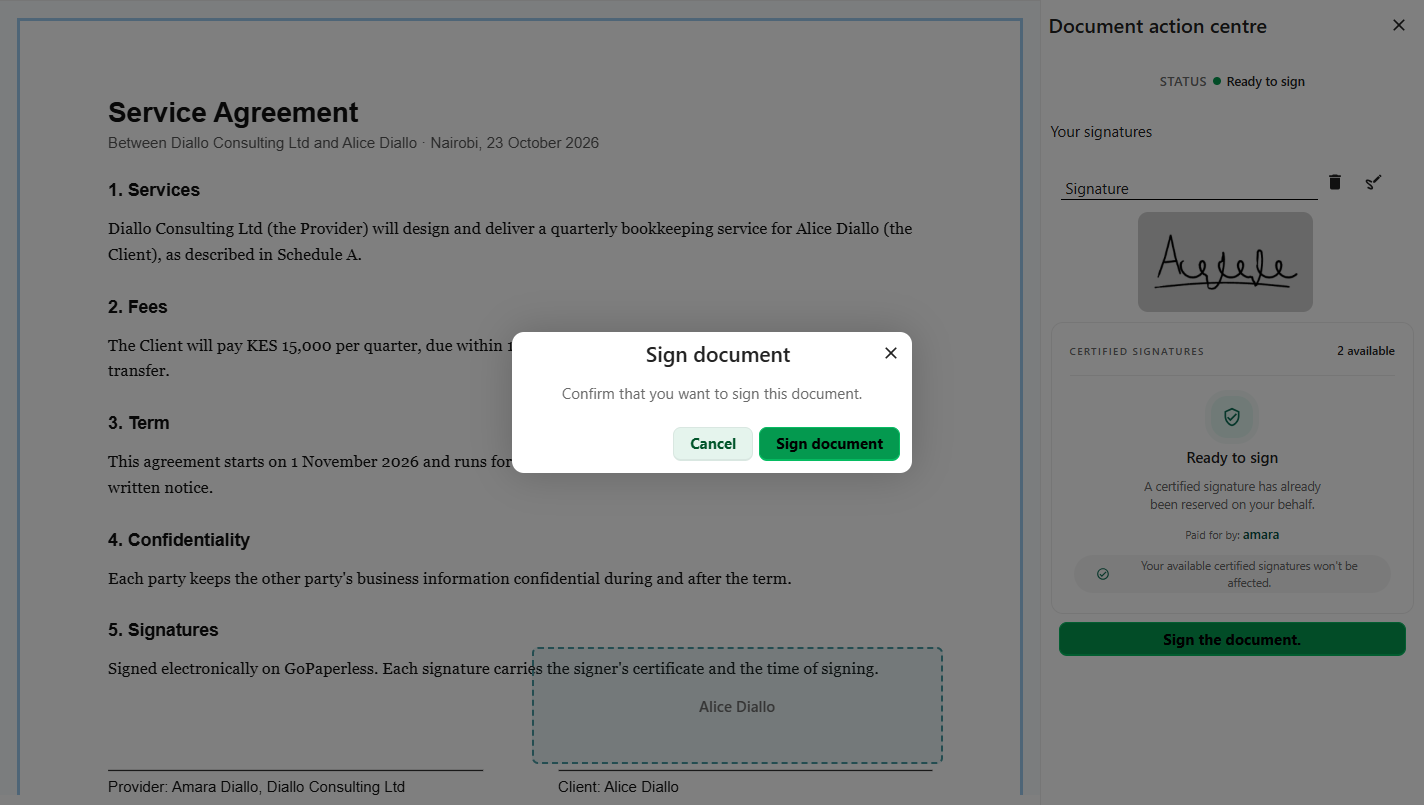 06ConfirmSign document.
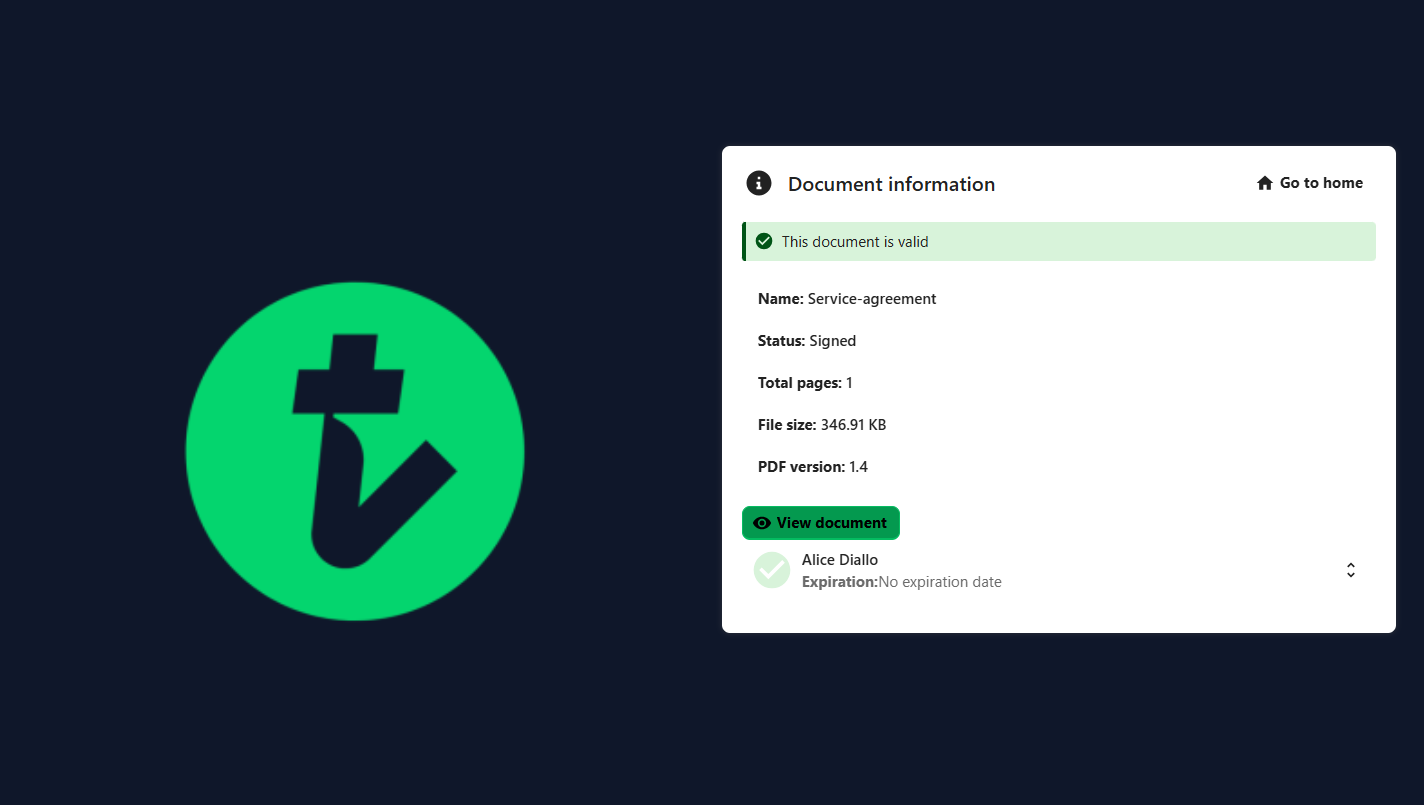 07SignedThis document is valid.
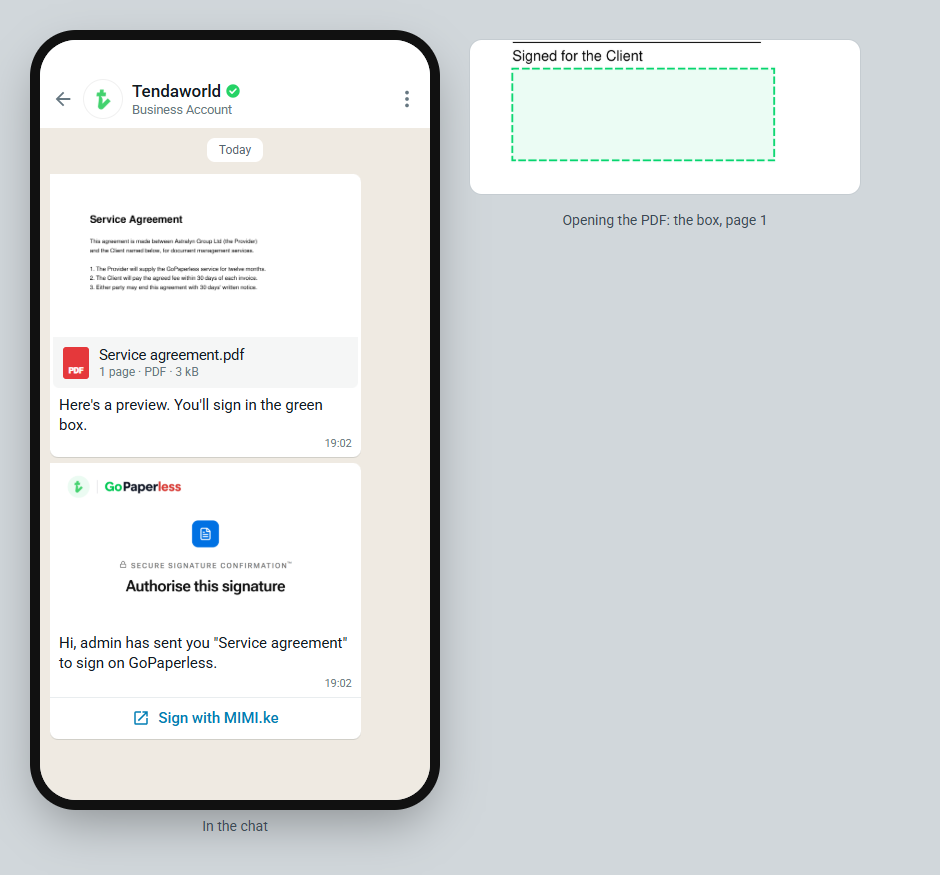 08The WhatsApp messageA preview of the PDF and a Sign with MIMI.ke button.
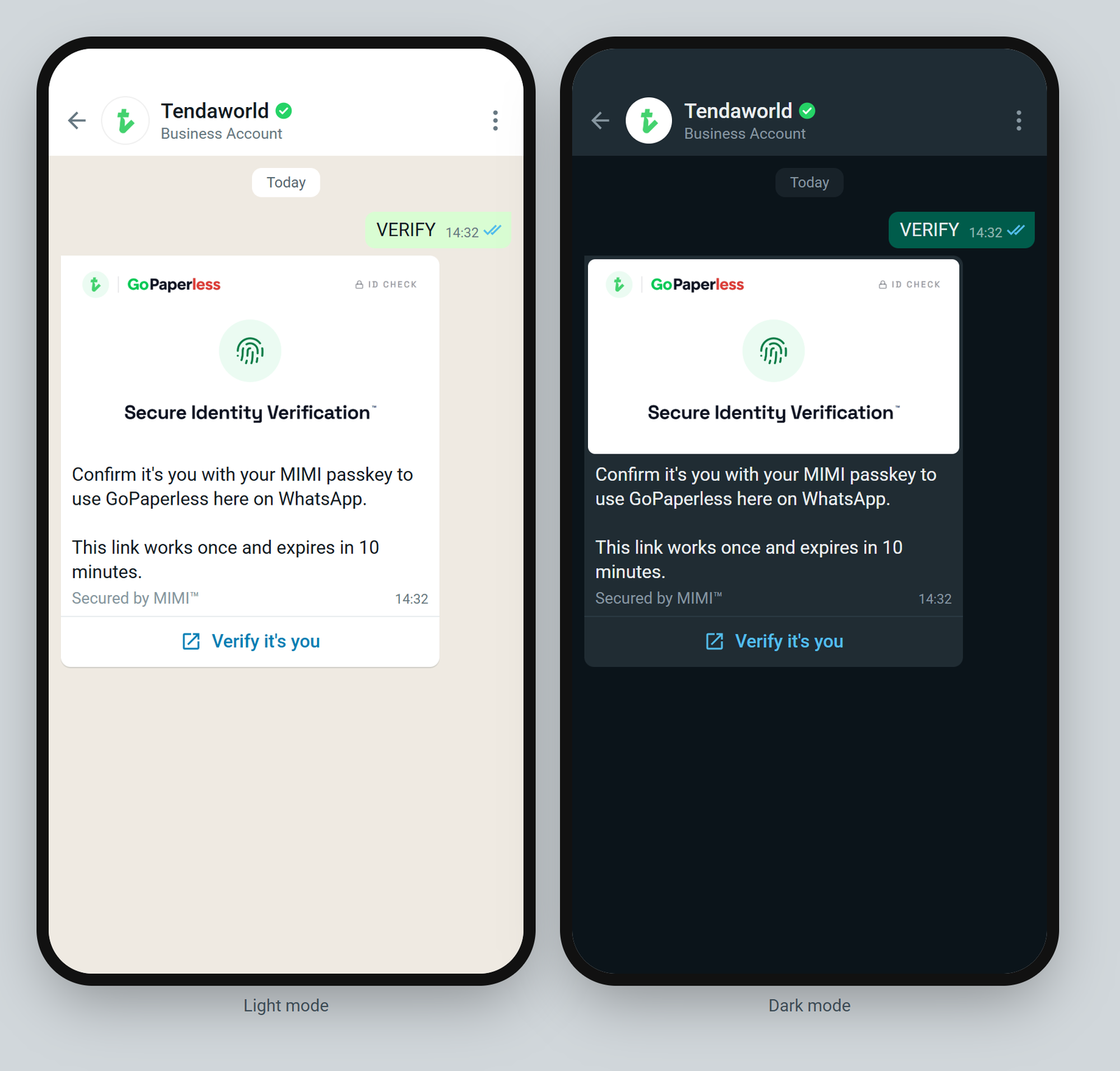 09Confirm it's themFirst time only, with their MIMI passkey.
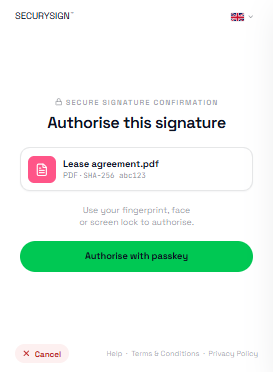 10Approve with fingerprint or faceThe SecurySign window signs with their own certificate.
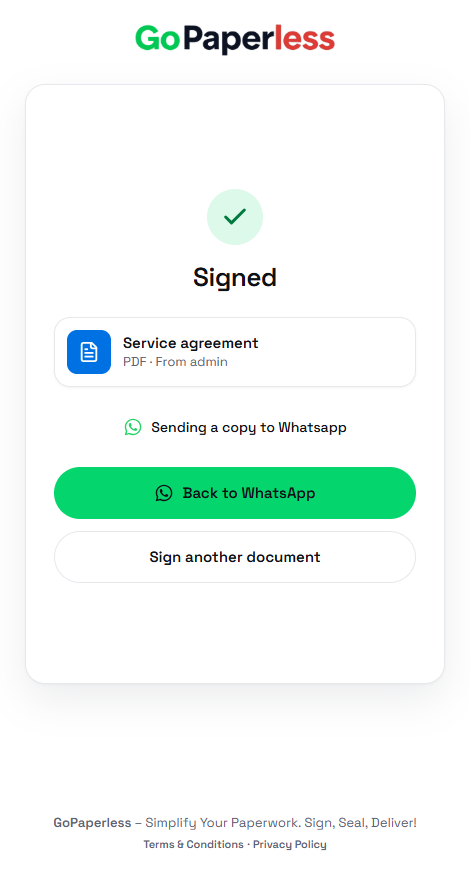 11SignedA copy goes back to the WhatsApp chat.
Source: staging.tendaworld.com/product-guide#gp-sign · pulled by scripts/pull-guide.py