 Journey 2 · new customersA · Live now
Register and get a certificate
Register on GoPaperless, pay KES 300 on tendaworld.com, then SecurySign issues the personal digital certificate.
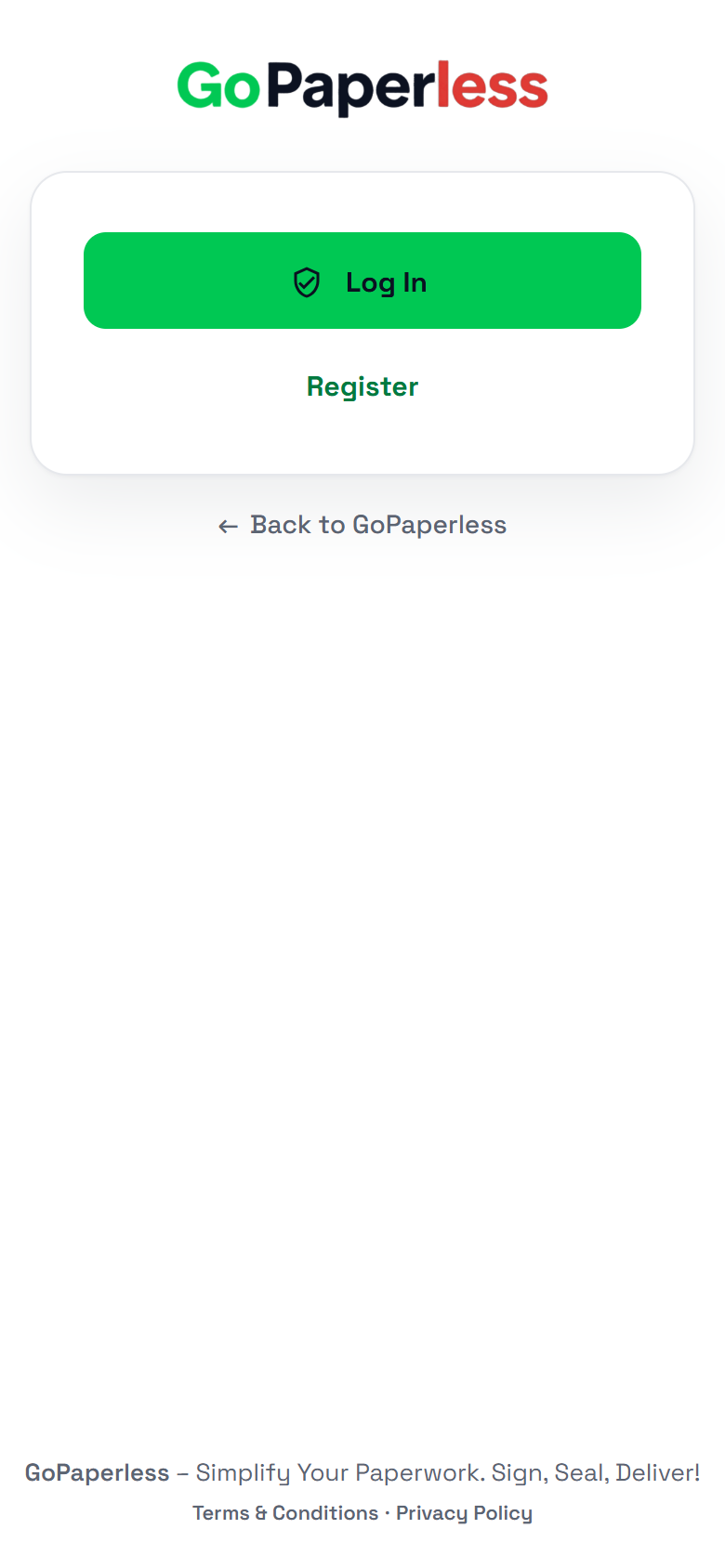 01Tap RegisterOn the GoPaperless login page.
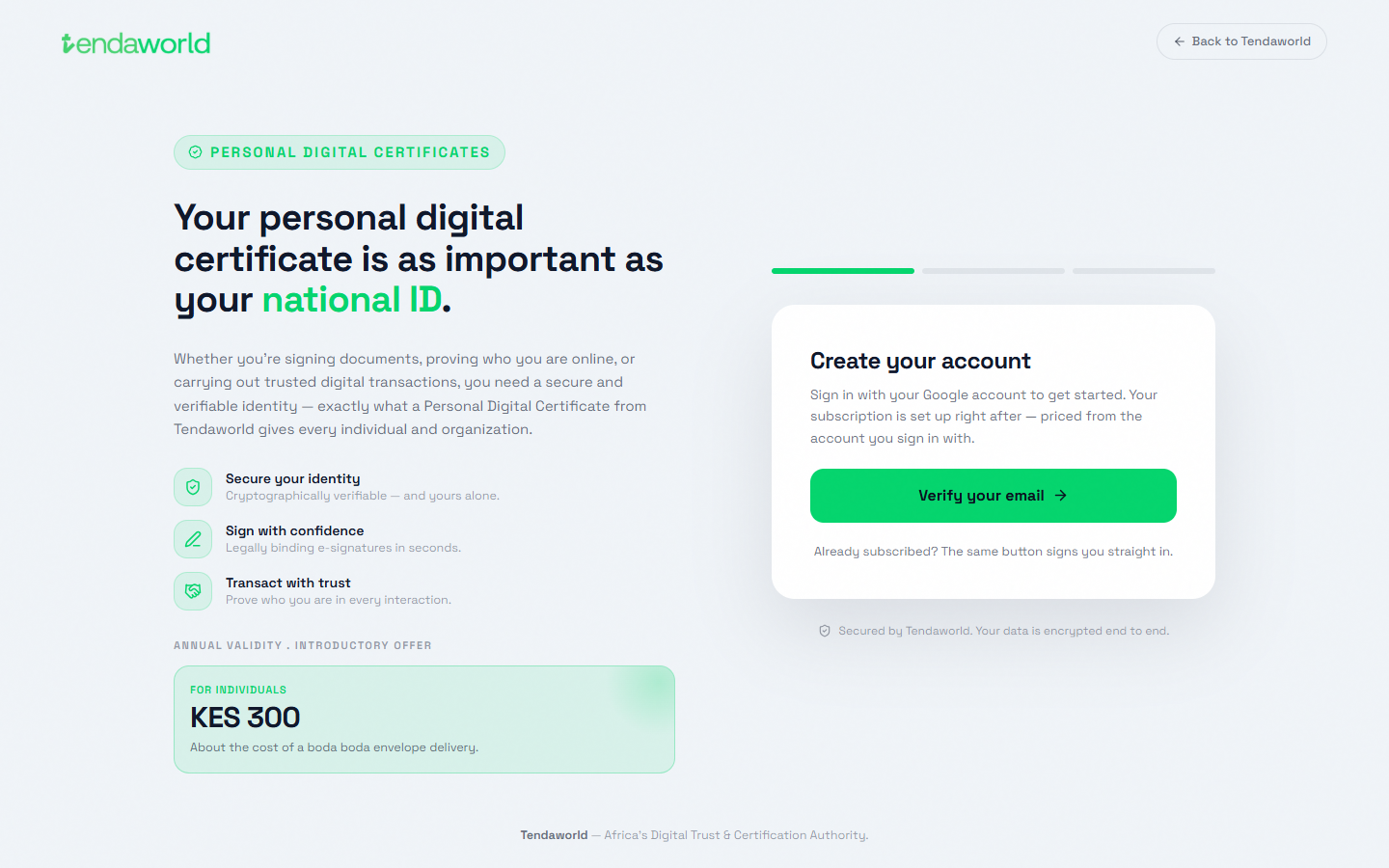 02Verify your emailtendaworld.com/get-started. Sign in with Google. KES 300 a year.
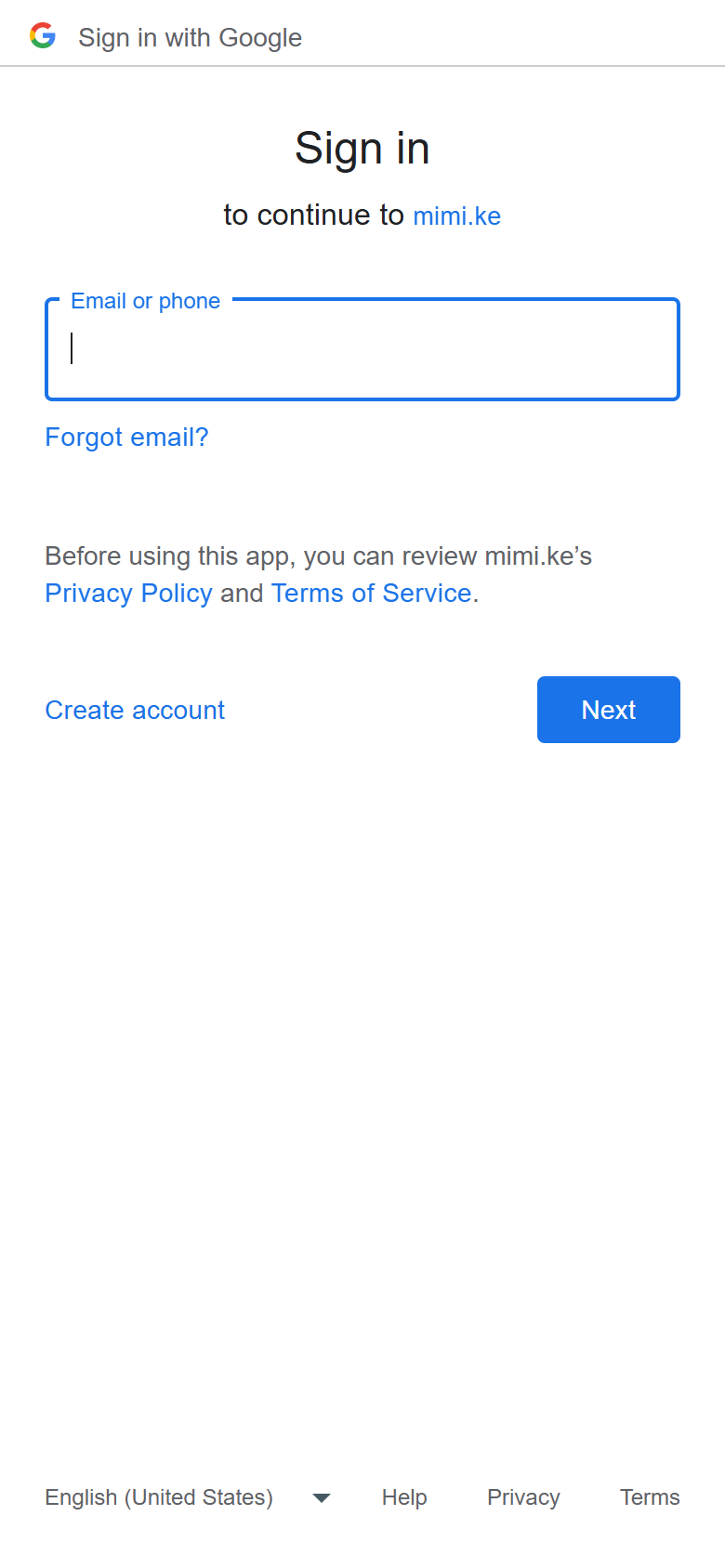 03Pick the Google accountThis account becomes their GoPaperless login.
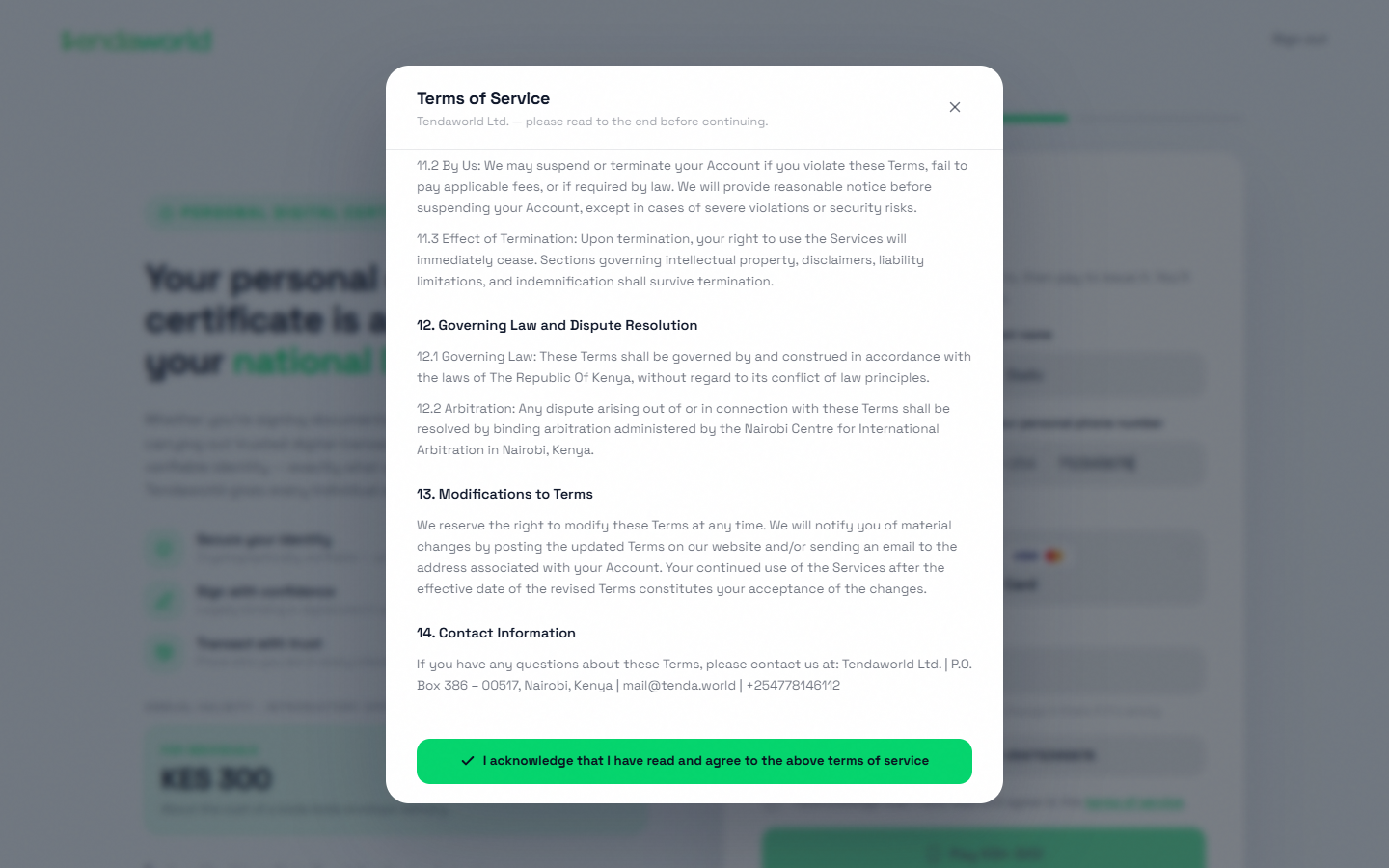 04Accept the termsTicking the box opens the terms. Scroll to the end to accept.
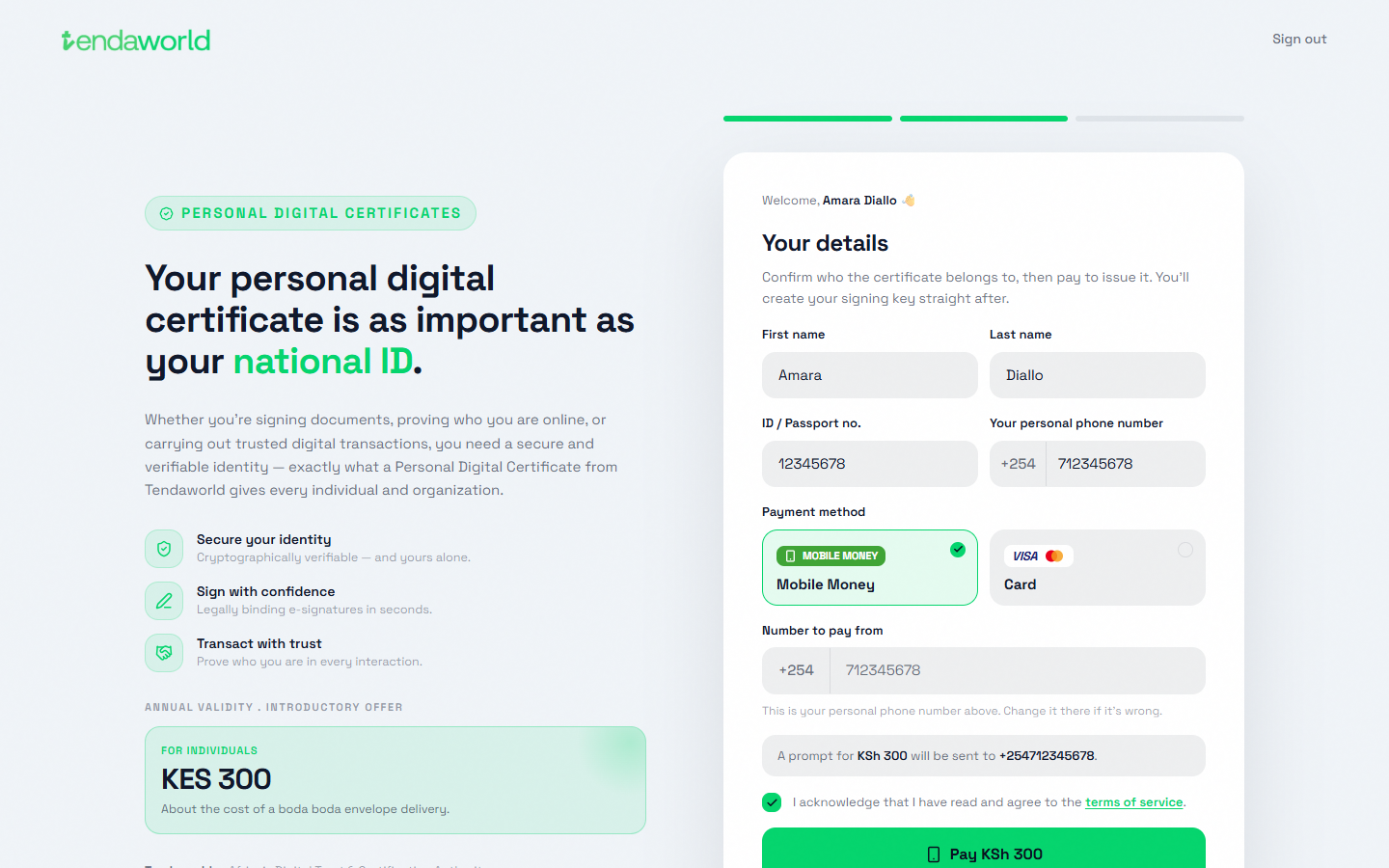 05Details and paymentName as on the ID, ID or passport number, phone. M-Pesa or card.
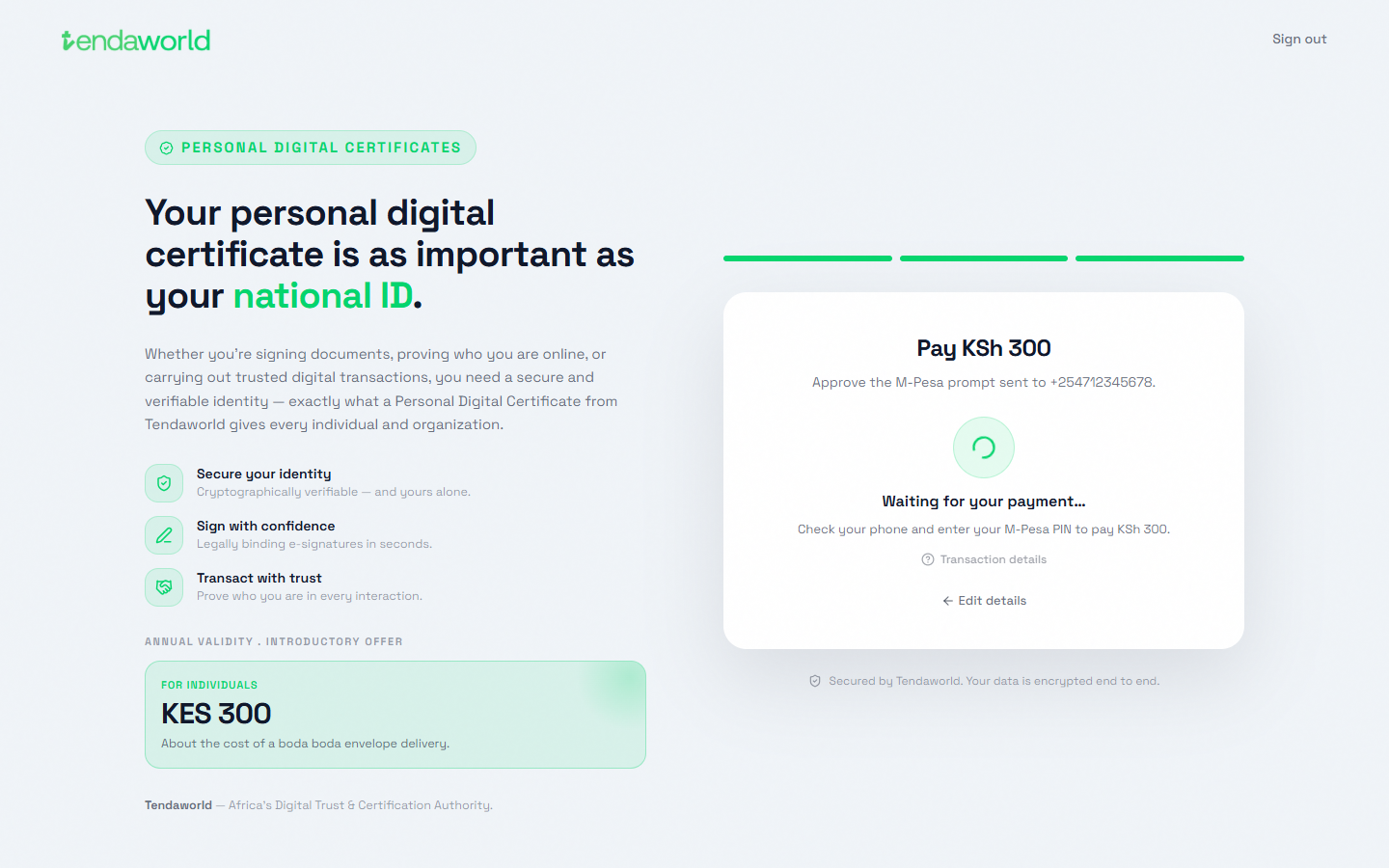 06Approve on the phoneEnter the M-Pesa PIN. The page waits for it.
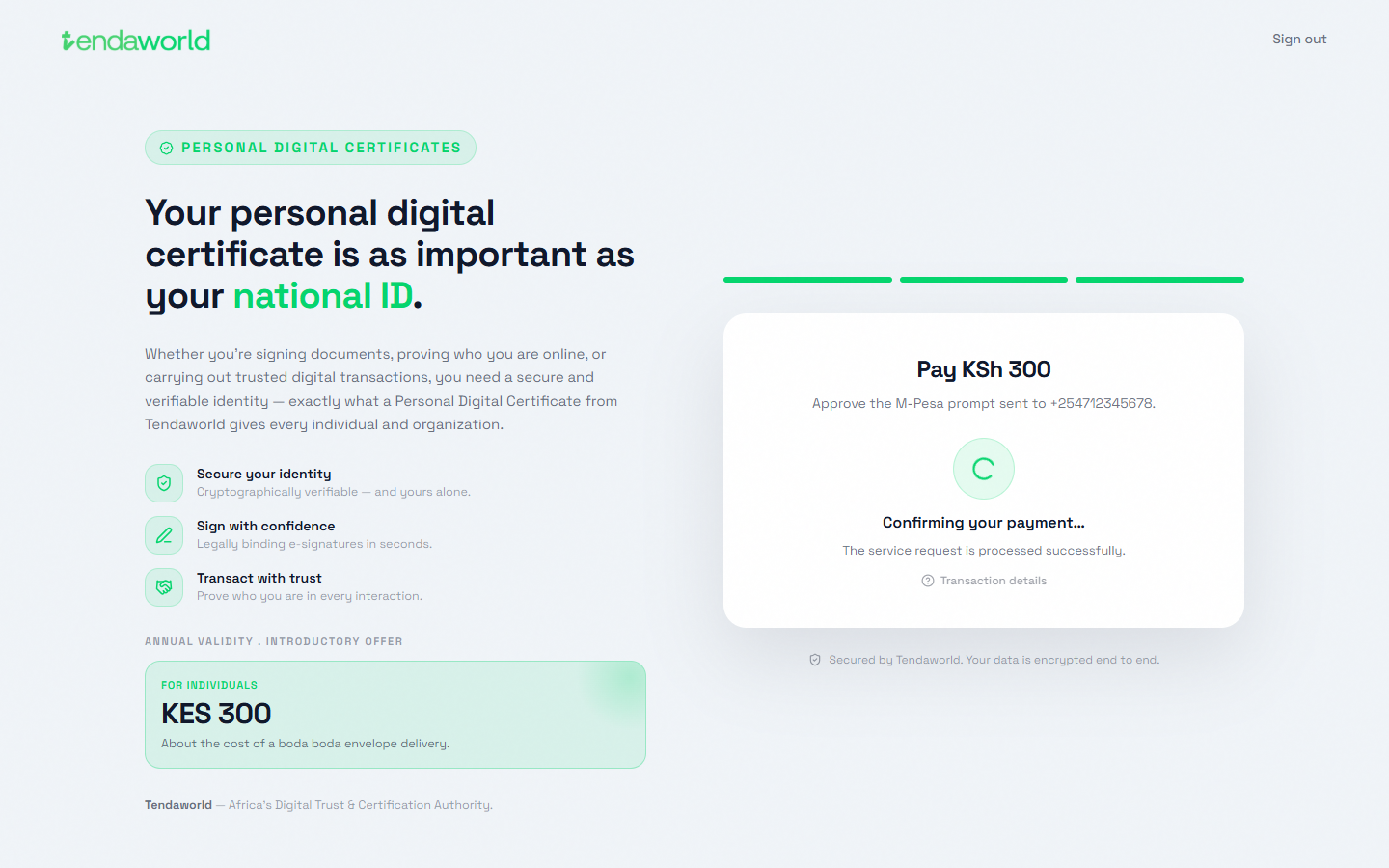 07Payment confirmedThen straight on to SecurySign.
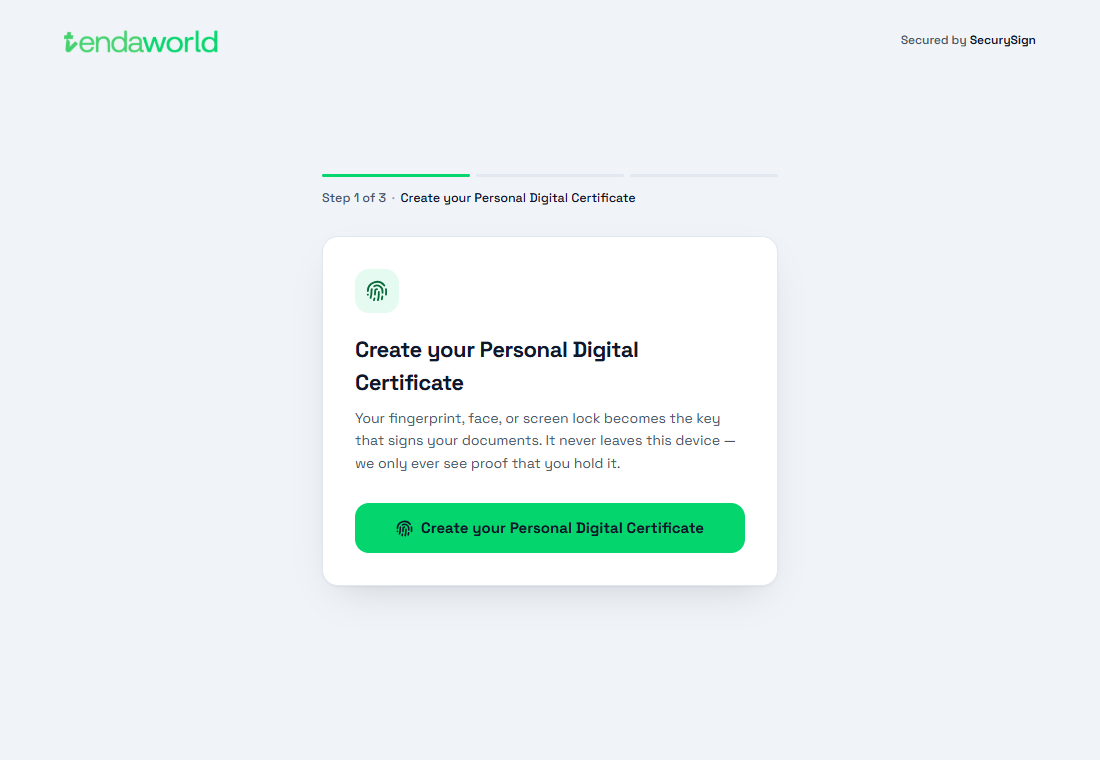 08Create the certificateTheir fingerprint, face or screen lock becomes the key that signs.
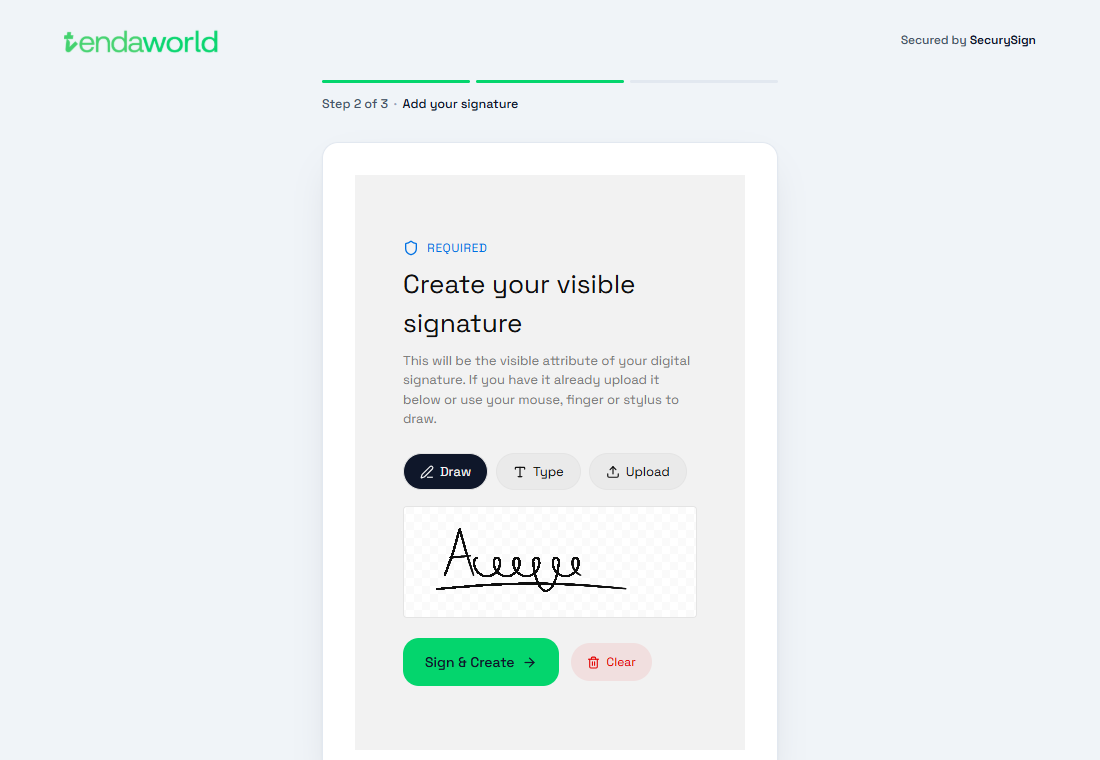 09Add a signatureDraw, type or upload. It appears on every document they sign.
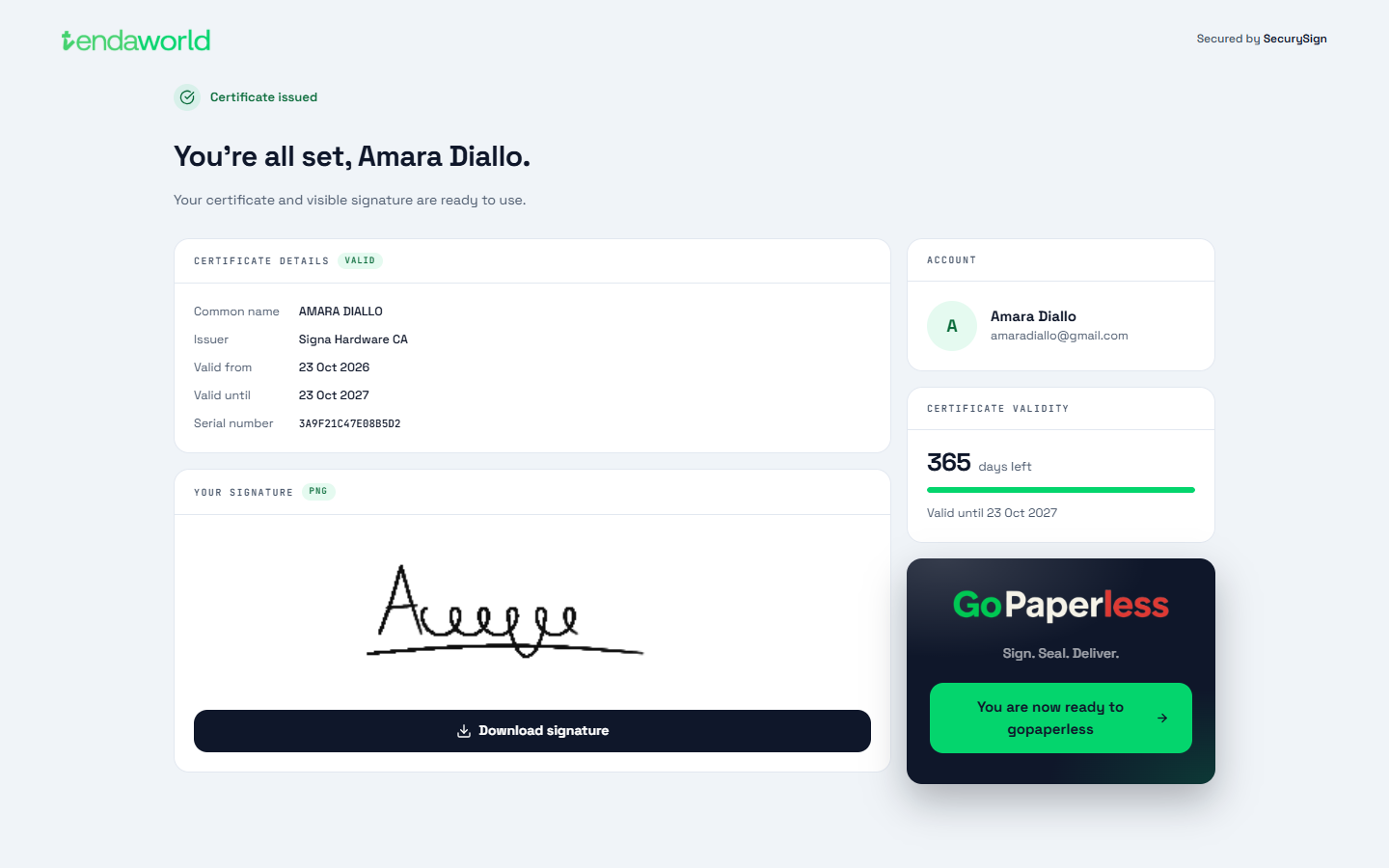 10Certificate issuedValid 365 days. One tap takes them into GoPaperless.
Source: staging.tendaworld.com/product-guide#gp-register · pulled by scripts/pull-guide.py