 Journey 3 · the senderA · Live now
Send a document for signing
A landlord, an HR team, a sales rep. Upload, add signers, place the box, send.
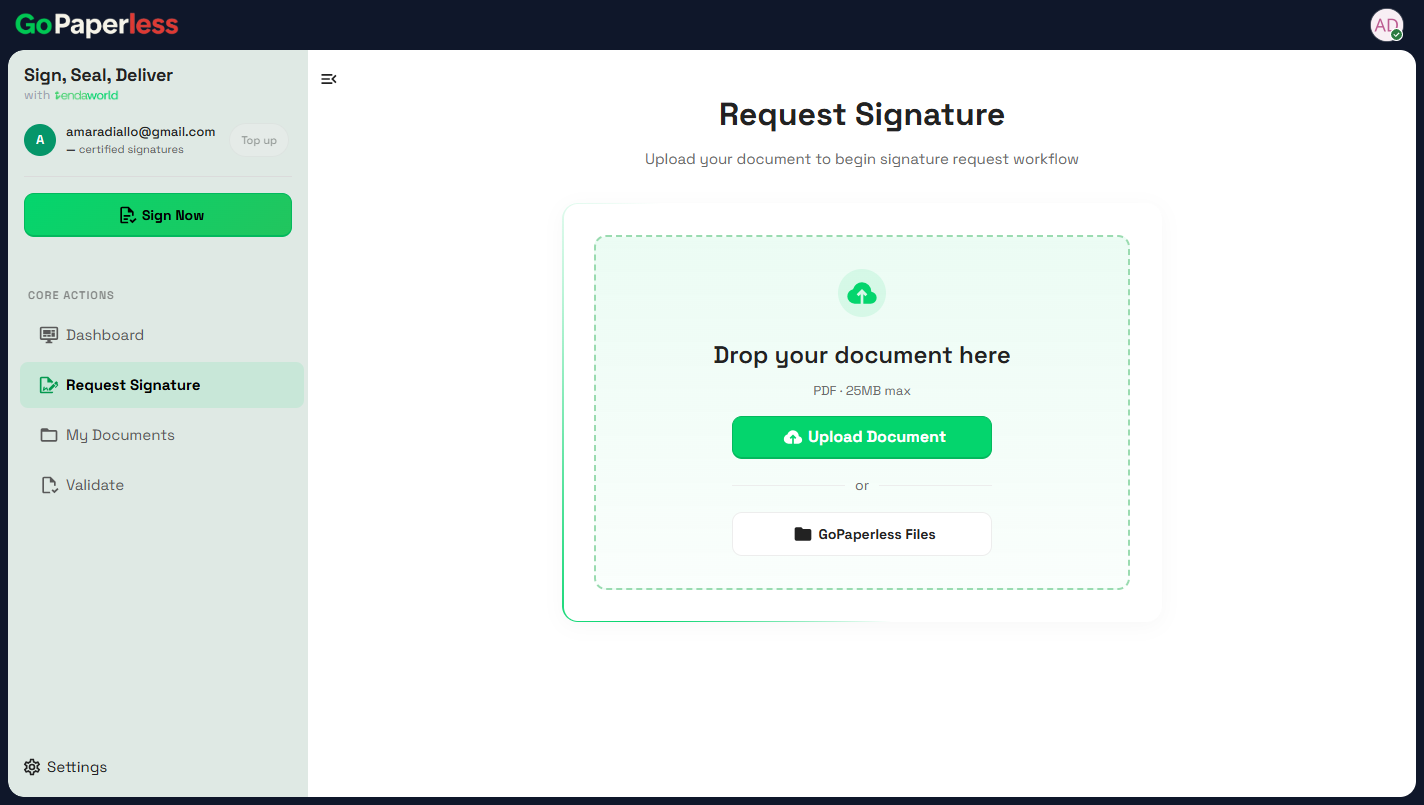 01Upload the PDFRequest Signature, then Upload Document. Up to 25 MB.
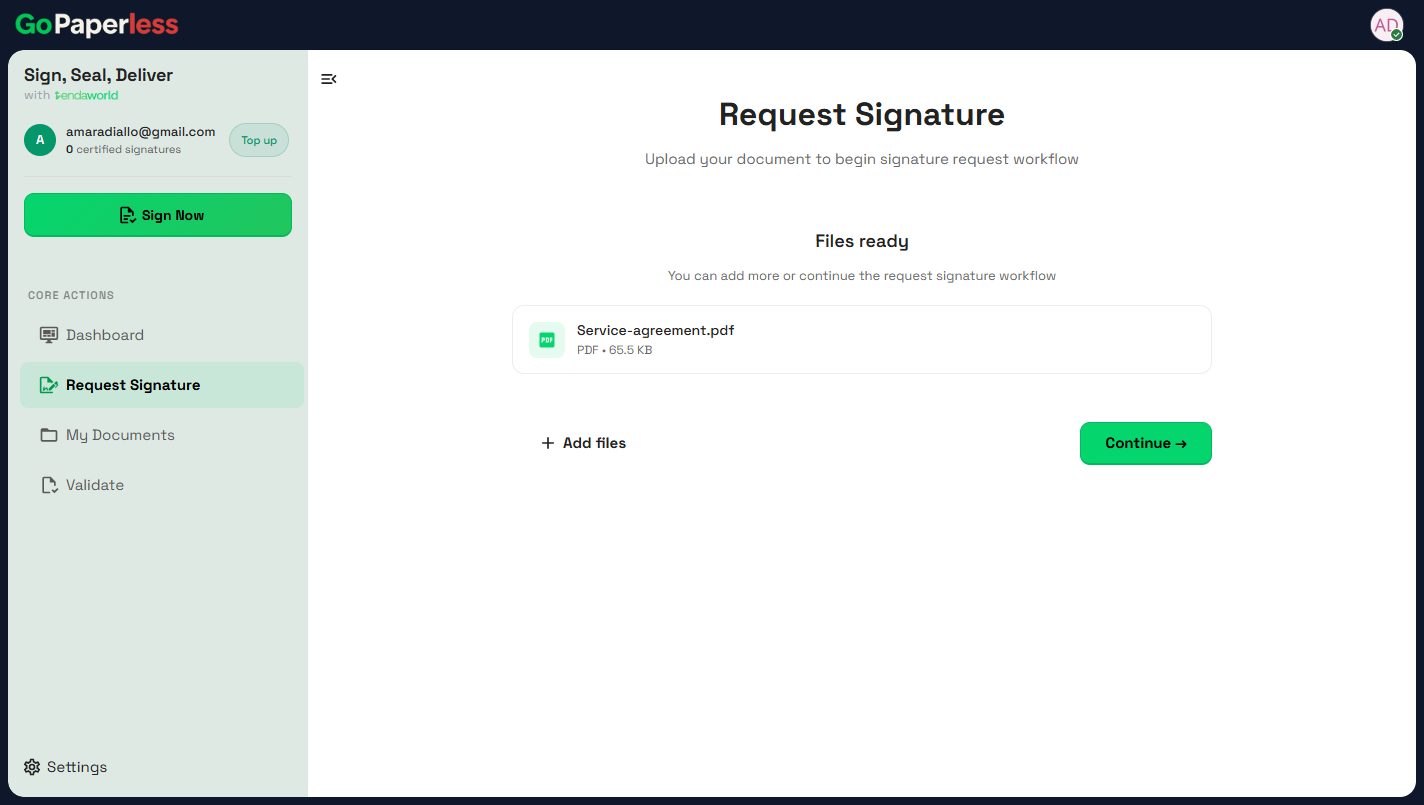 02ContinueAdd more files or continue.
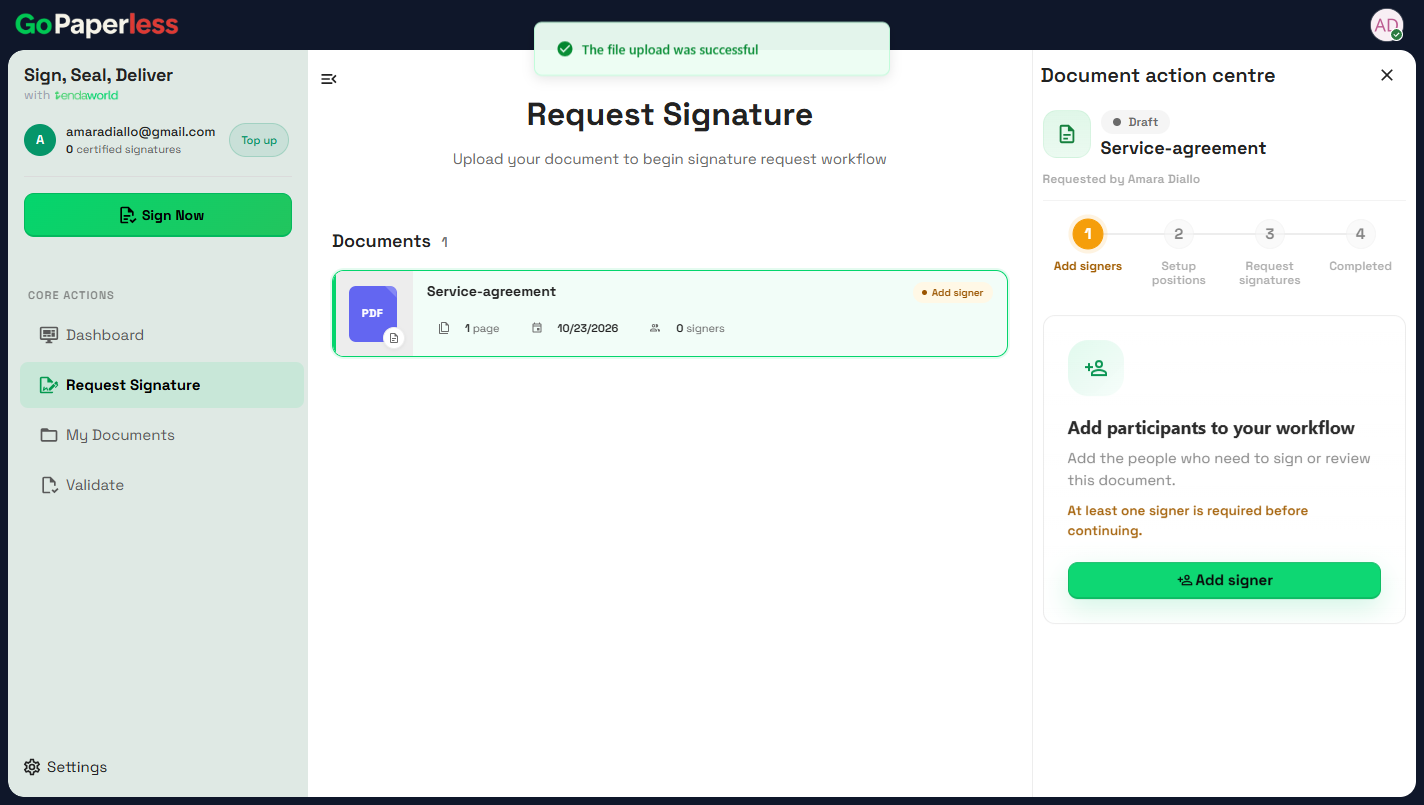 03Add signersThe Document action centre walks through four steps.
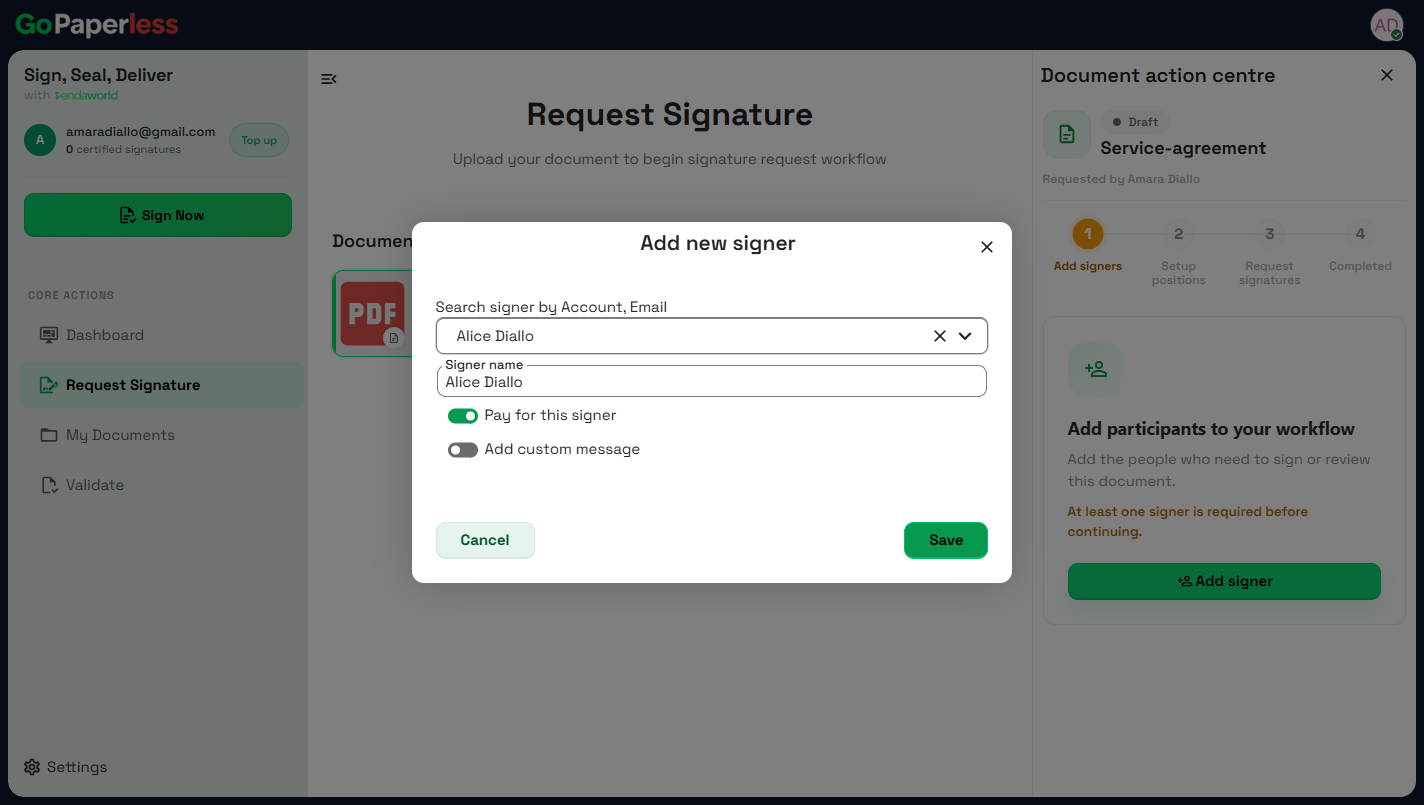 04Choose the signerSearch by account or email. Pay for this signer covers their signature.
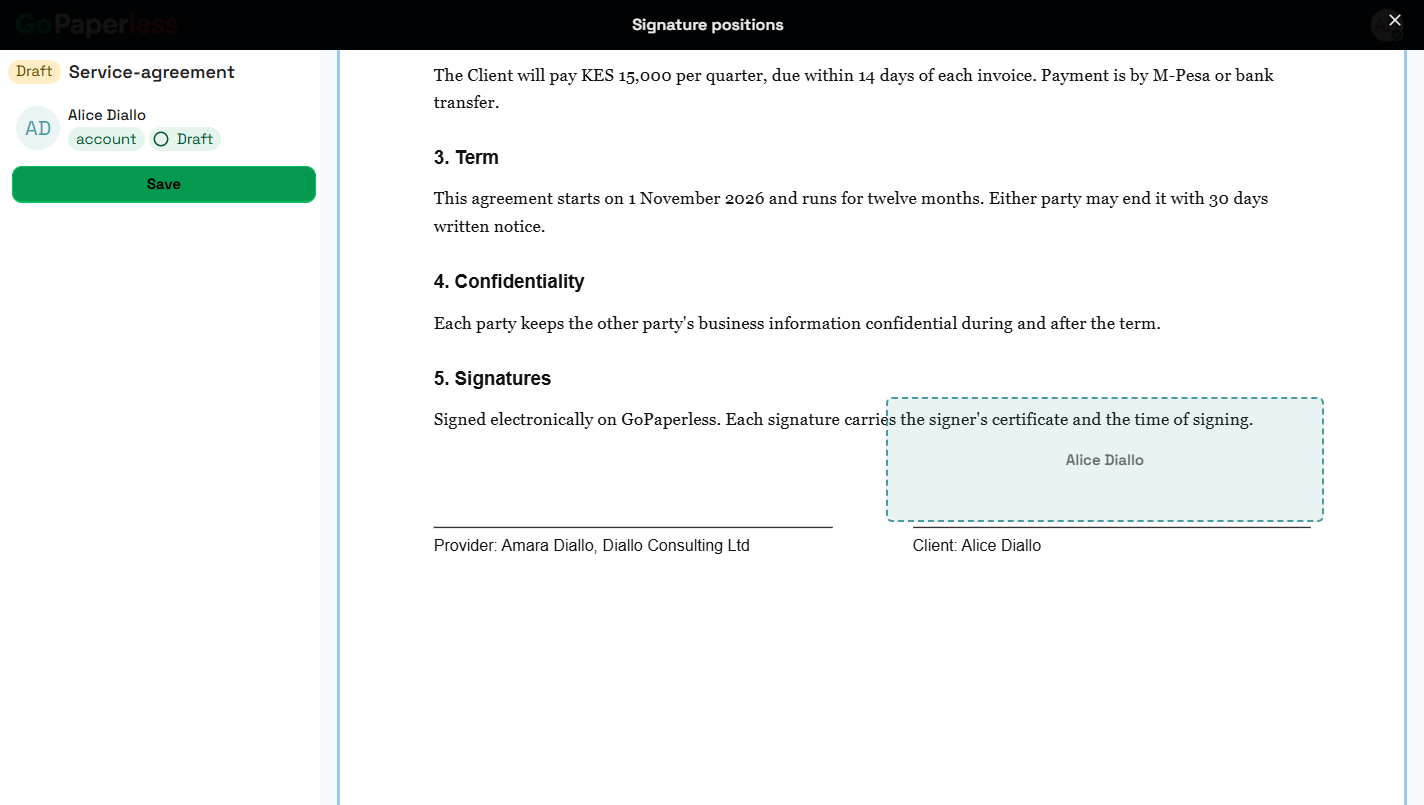 05Place the signature boxDrag the box onto the line where they sign, then Save.
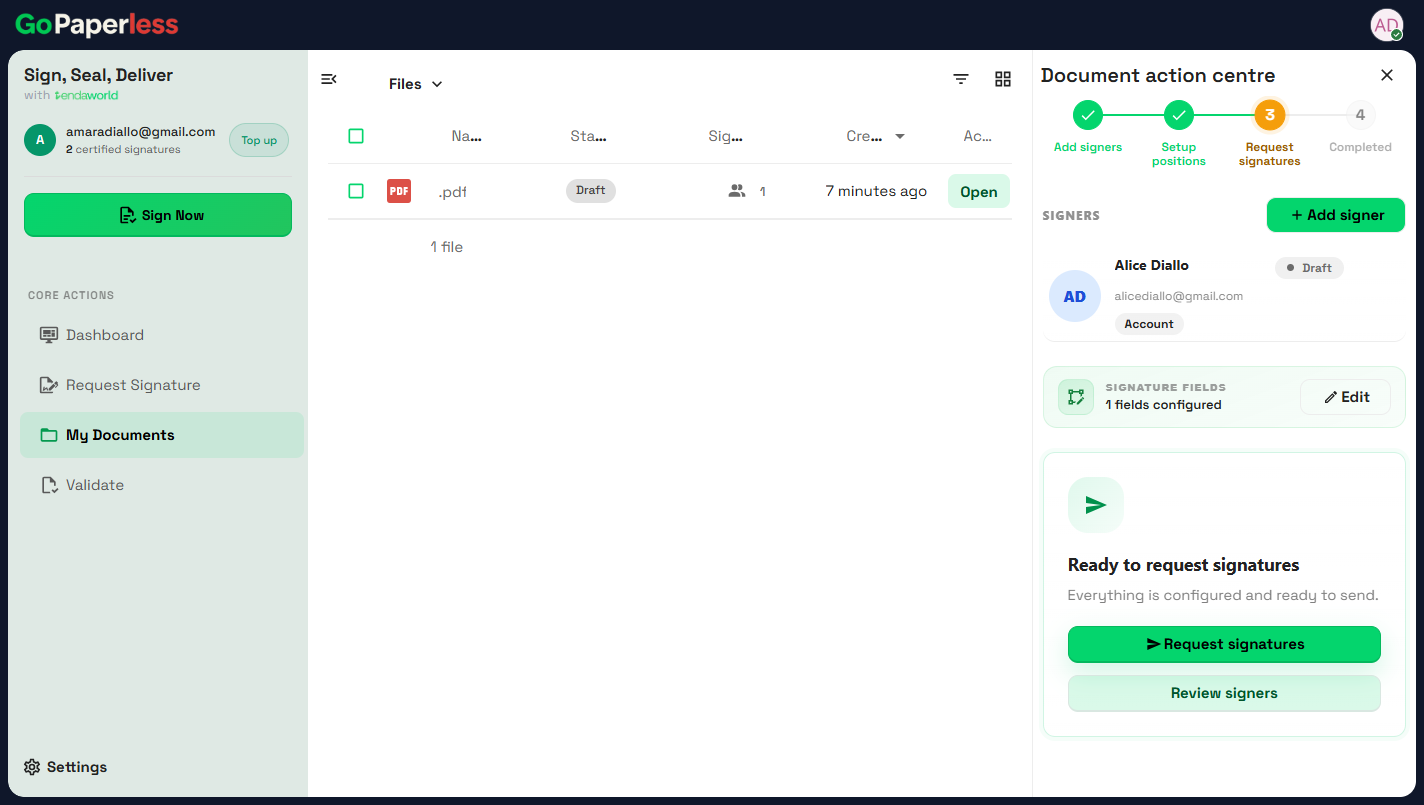 06Request signaturesReady to request signatures.
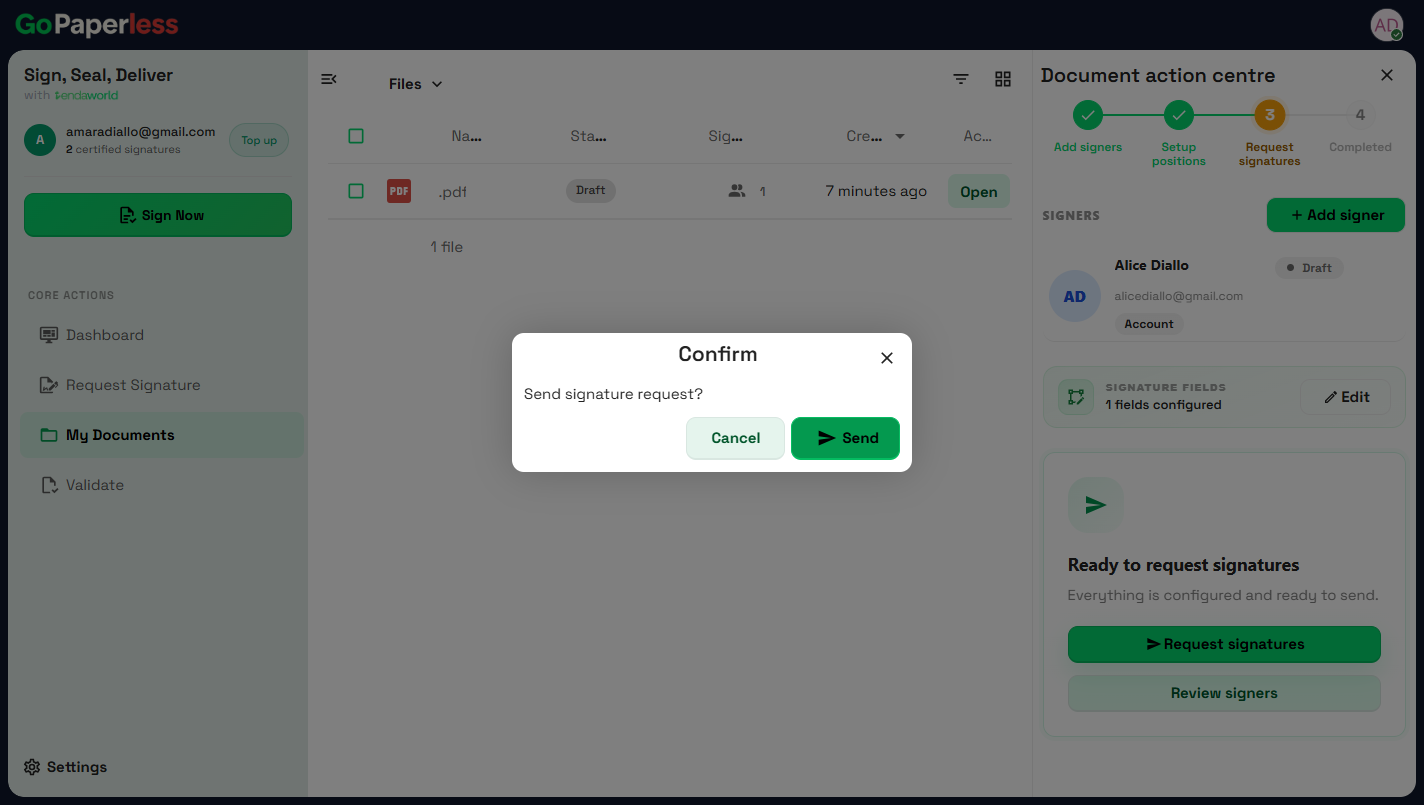 07SendSend signature request? Send.
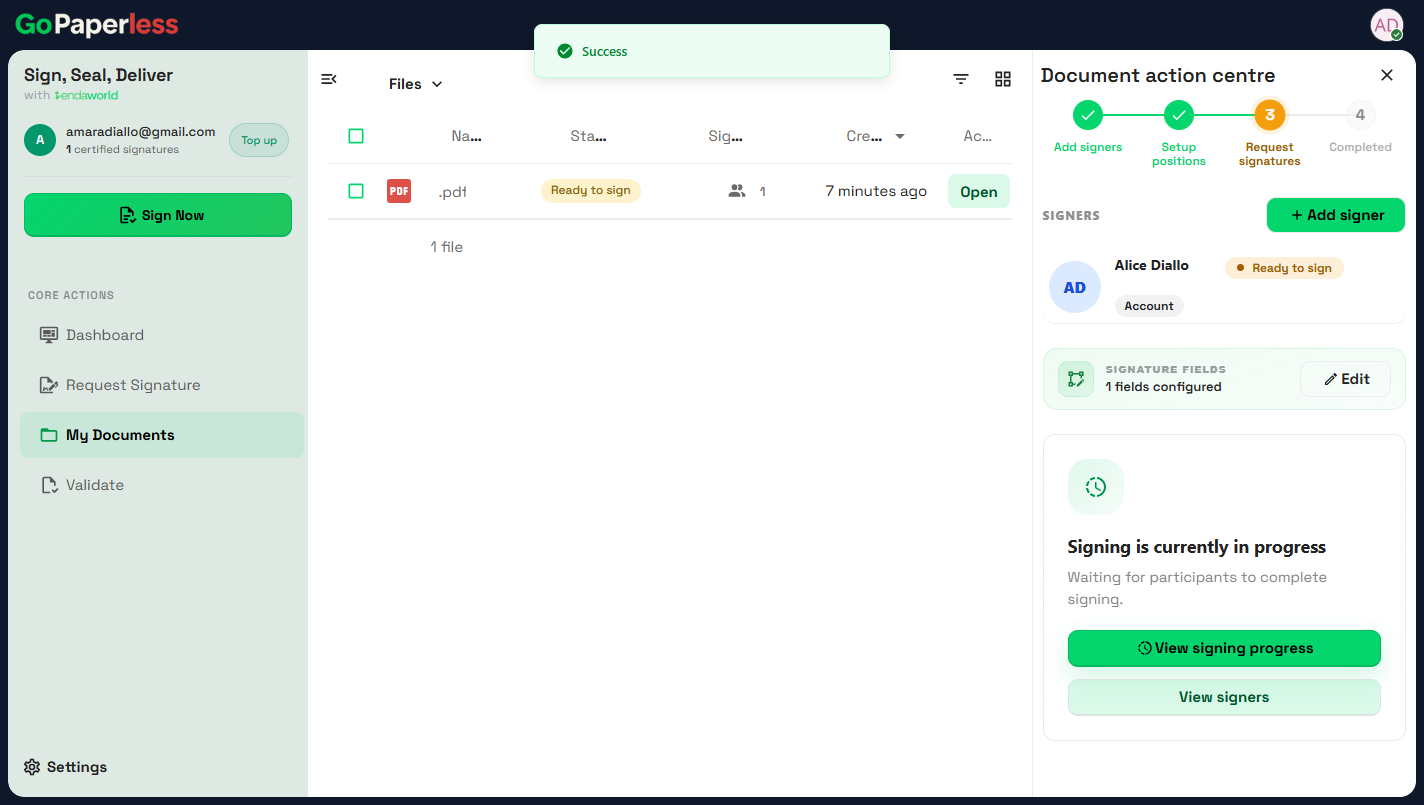 08Waiting for the signerStatus changes to Ready to sign. One credit is reserved.
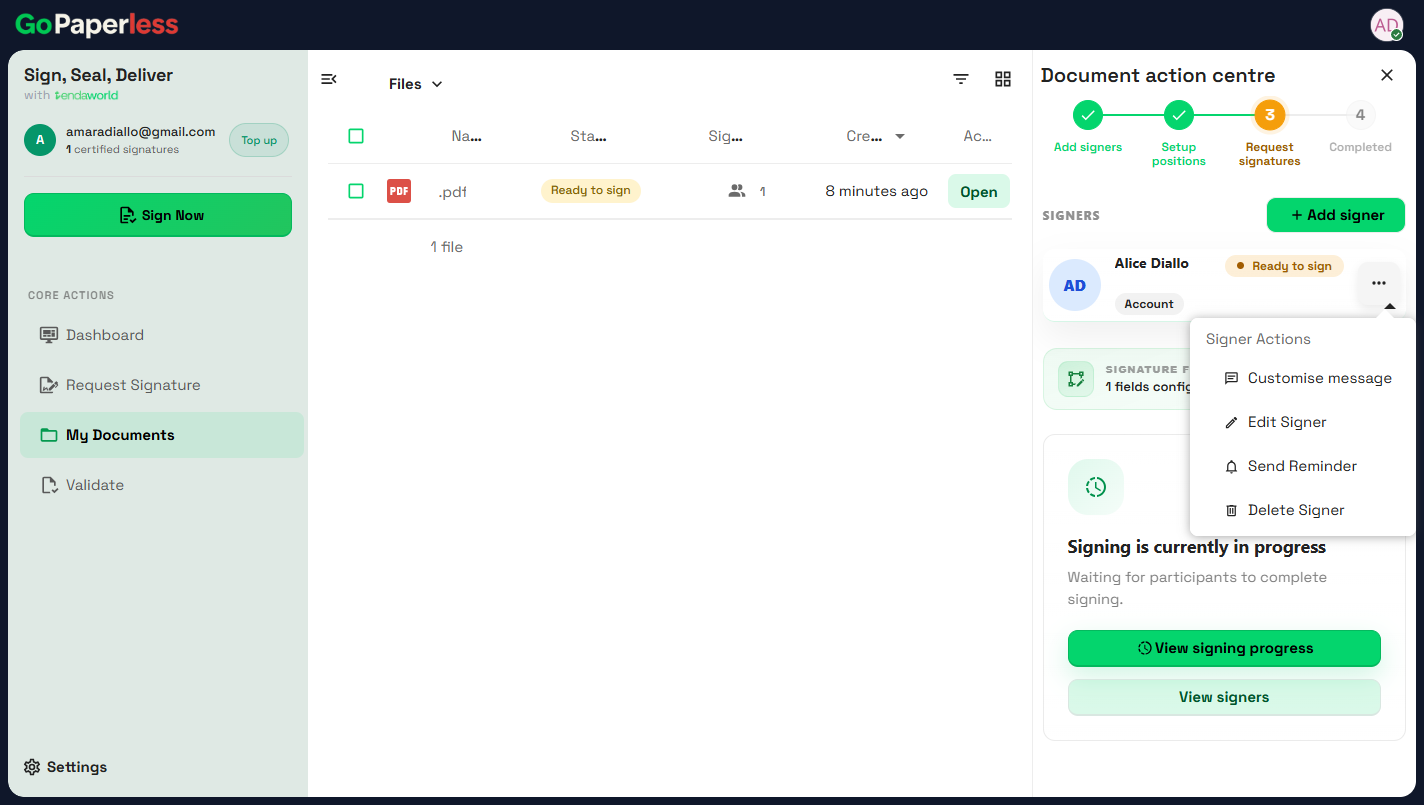 09Follow upSend a reminder, edit or remove a signer while they're pending.
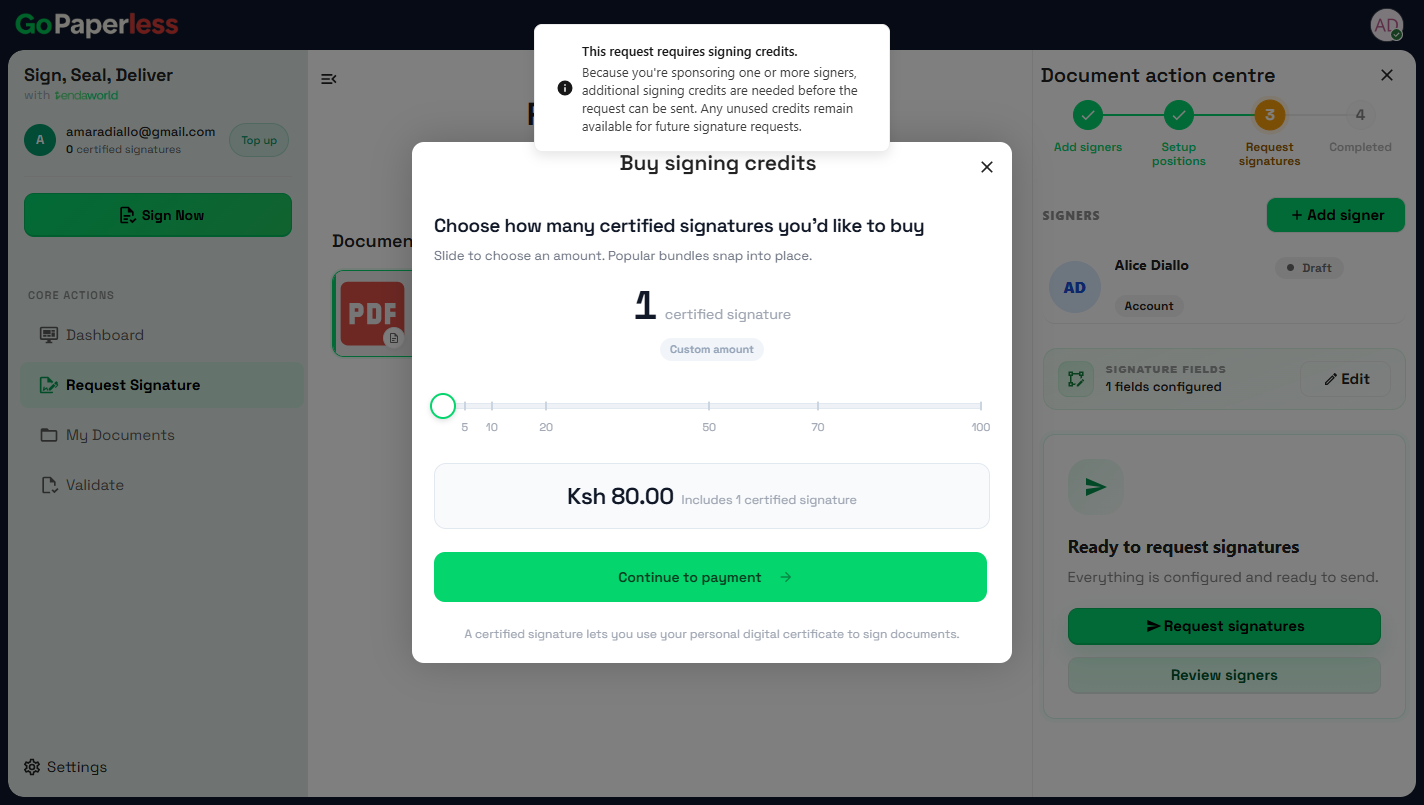 10Buy signing creditsKES 80 per signature. Bundles of 5 to 100. New accounts start with 2 free.
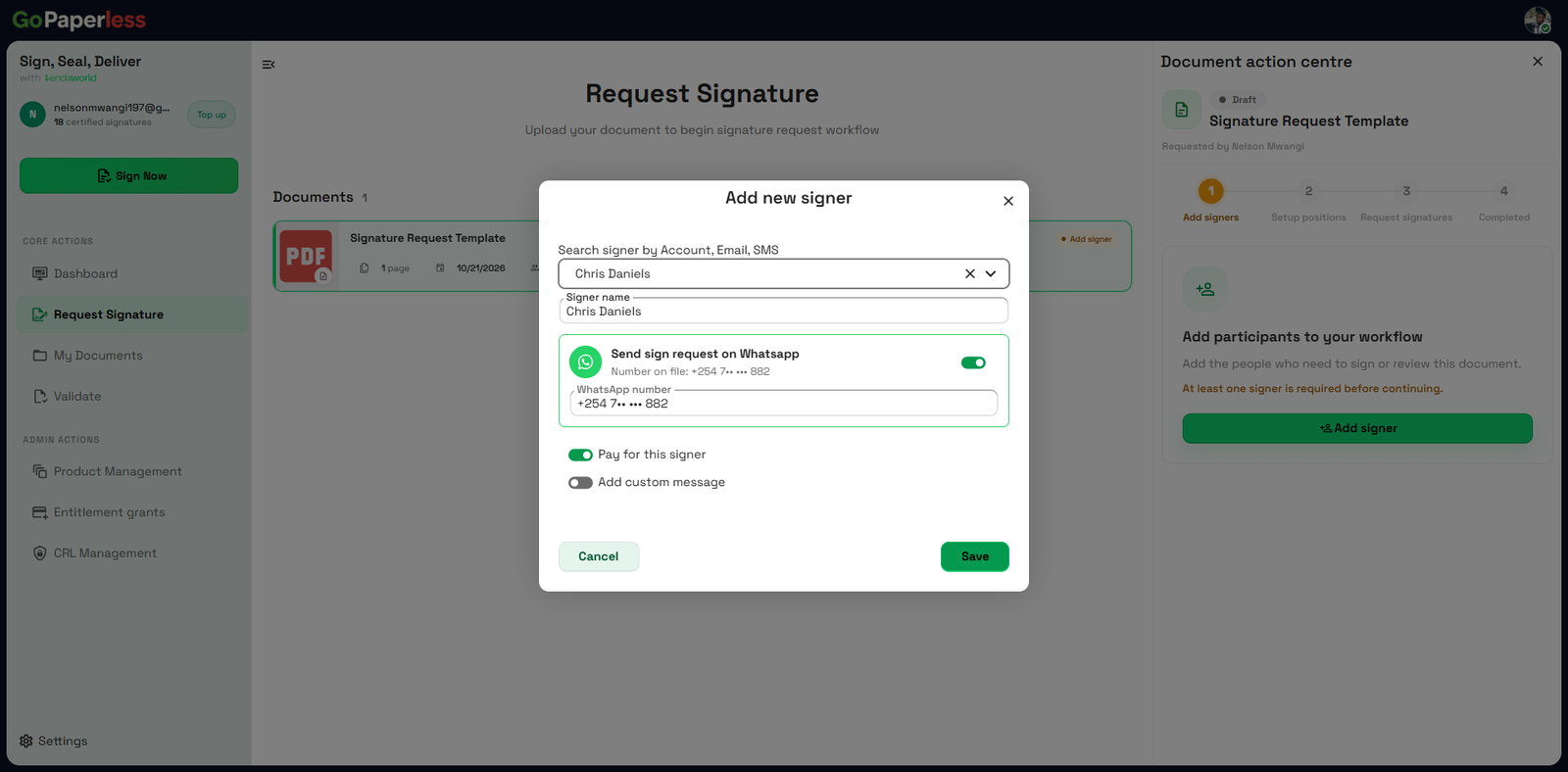 11Send on WhatsAppAdd the signer's WhatsApp number instead of an email.
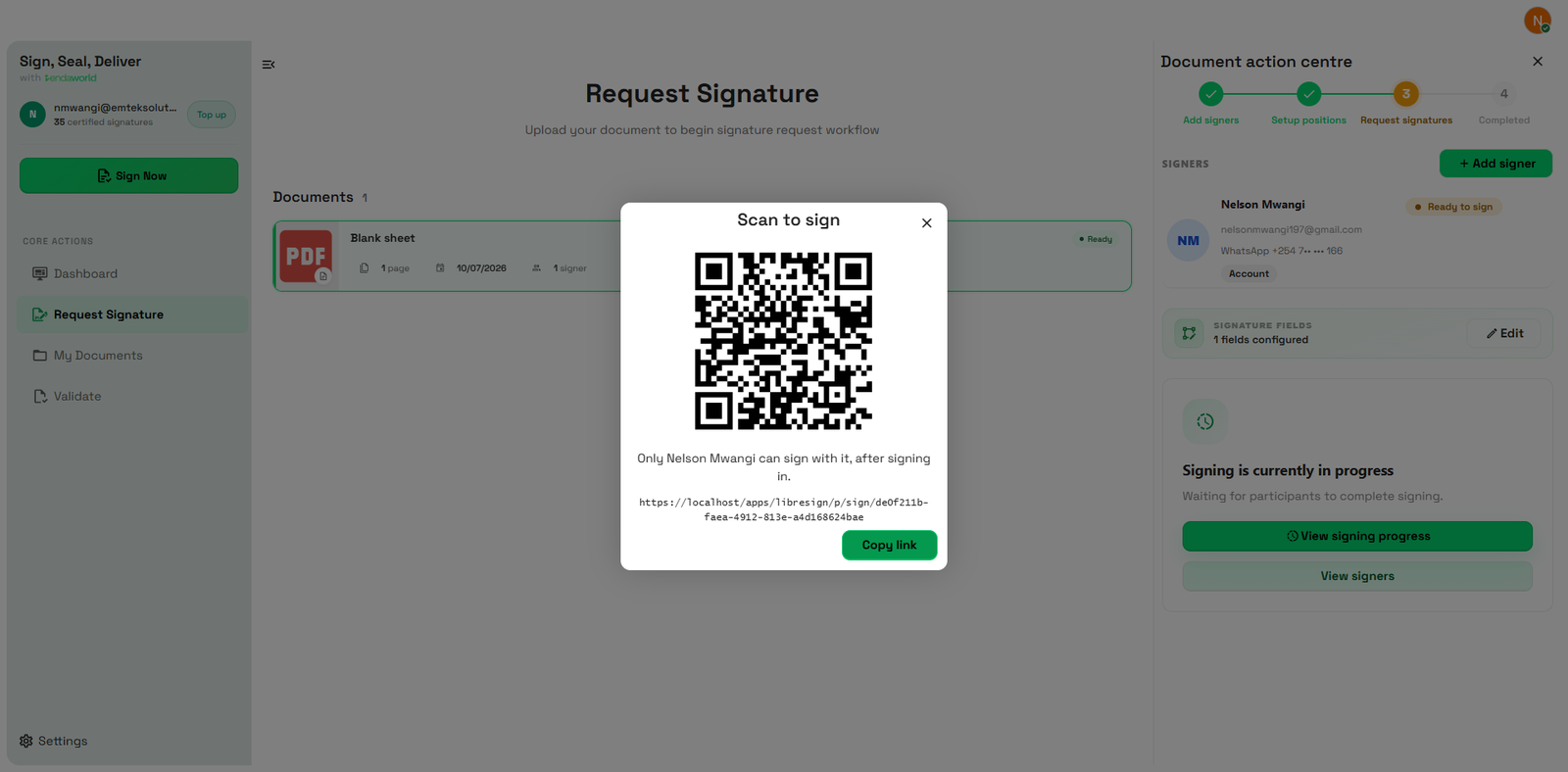 12Sign in personShow a QR. Only that signer can use it.
Source: staging.tendaworld.com/product-guide#gp-send · pulled by scripts/pull-guide.py